Video Maker
Type your idea, get a polished video in minutes. No camera, no editor, no actors. gVideo runs your prompt across the right AI video model — picked by AI — and gives you a clip you can ship straight to social, ads, or client decks.
Start from a proven prompt
Hover to preview. Click any example to prefill the generator.

Astronaut walking across the rusty surface of Mars, dust kicking up in low gravity, distant rover visible on horizon
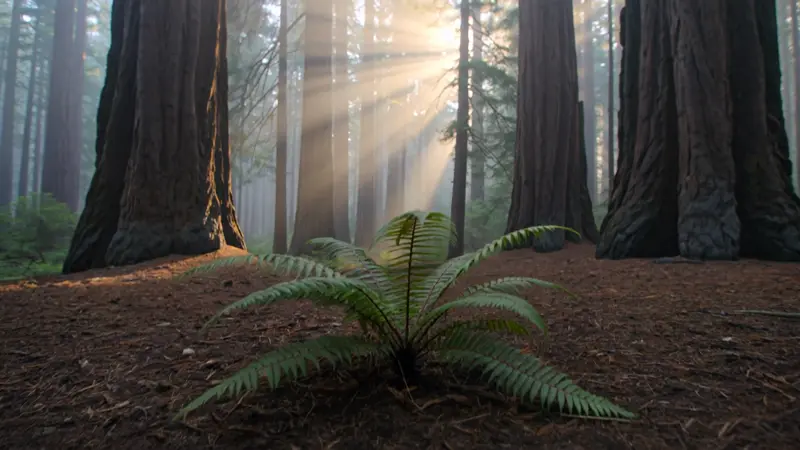
Slow drift through a redwood grove, beams of golden sunlight piercing the mist, ferns swaying gently
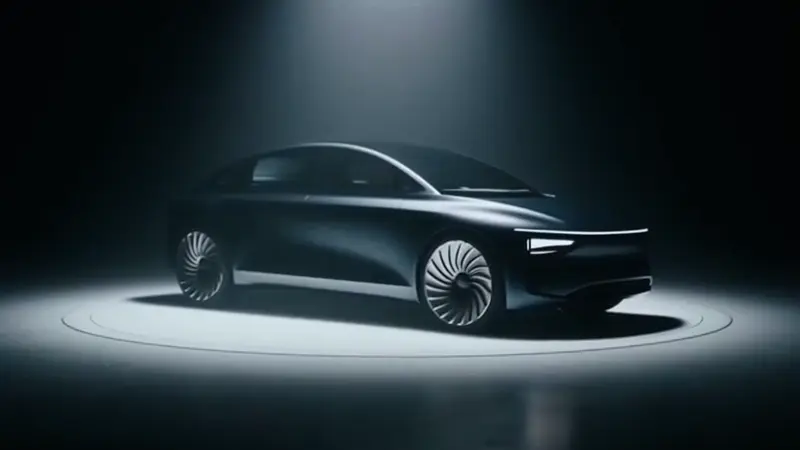
Sleek black electric vehicle revealing itself from beneath a silk cover in a glossy showroom, dramatic spotlight

Old fisherman casting a net at dawn over still lake water, mist rising, ambient water sounds and birdsong

Morning coffee routine — pour-over on a wooden counter, steam curling up, soft window light
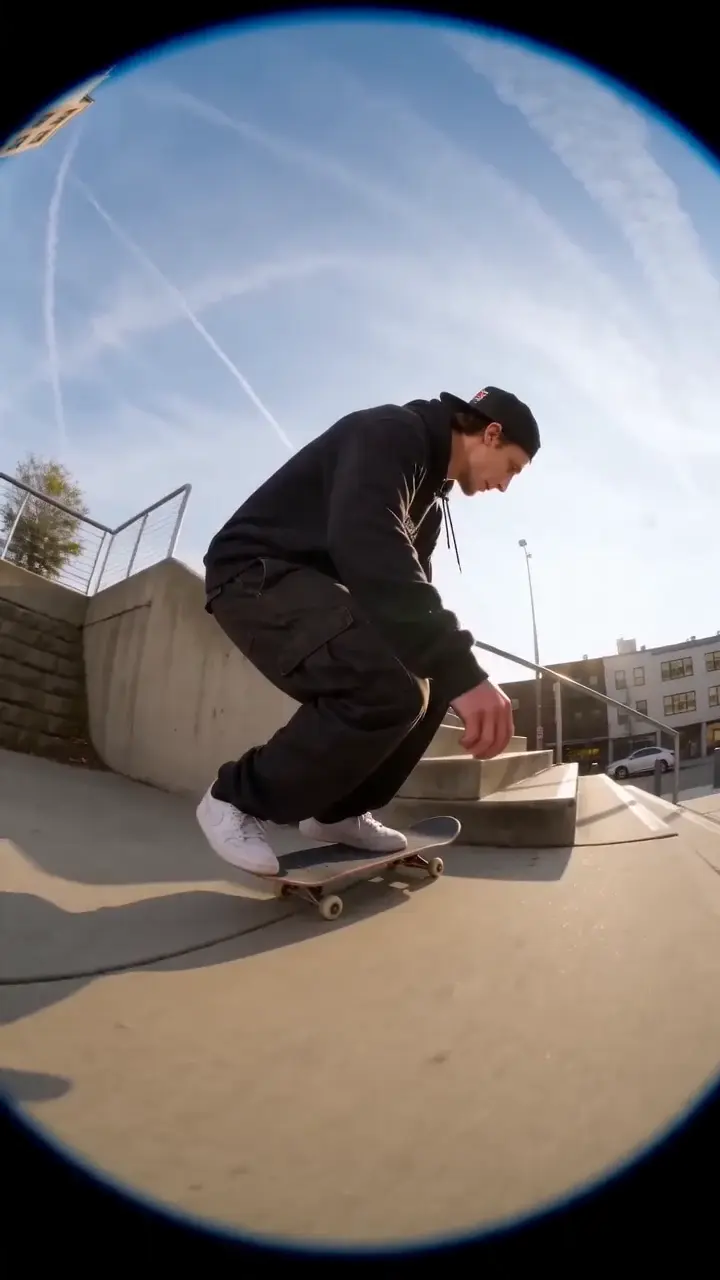
Skater landing an ollie in slow motion, sunset backlight, urban concrete texture
Video Examples
See it in action

Why gVideo
Built for results
From idea to ready in minutes
Most clips finish in 1-3 minutes. Skip cameras, lighting, editing, and stock footage hunting. Type the scene and ship it the same hour.
10 models, one subscription
Sora 2 Pro for hero shots, Kling 3.0 for cinematic, Wan 2.7 for cheap volume, Veo 3.1 for audio, Hailuo for people, Pika for stylized — all under one plan. No need to subscribe to each platform separately.
Auto-refund on failure
If a generation fails for any reason, your credits are refunded within seconds. You only pay for clips you can actually use.
How AI video maker actually fits a working creator's day
Three persona tiers — solo / small business / agency — with the model + cost profile that fits each
solo creator: one tool, smart-pick model, ship 5 videos a week without thinking
The math for a solo creator is brutal, I keep coming back to it: "I just need ONE tool that picks the right model so I don't waste 30 min deciding. Most days I have 90 minutes total" (r/NewTubers, 2026-04, 12↑ 2Nc). AI video tools win or lose on UX for us, not just output quality. My setup: one prompt input, a default model for 80% of my use cases, then an escape hatch when I need it. On gVideo, Kling 3.0 (40 credits per 5s) is the default. It handles people, products, environments, motion with fewer model-selection mistakes. I ship 5 short videos a week, so that's ~1000 credits/month, $22 on the Pro plan. The escape hatch is crucial: I need a hero shot for a thumbnail, I switch to Sora 2 Pro (120 cr/4s HD). I need B-roll, I switch to Wan 2.7 (35 credits per 5s). Same prompt, different engine. Try this in the generator — type a single sentence, click Generate, see Kling 3.0 output in 90 seconds. No model-decision tree, no "compare 5 tools" research phase.
small business: 5 videos a month, every video has to convert
The operational reality for small business owners is stark: "My small business needs ~5 videos a month — product launches, sale posts, customer testimonials. Hiring a videographer at $400/each is unsustainable" (r/smallbusiness, 2026-03, 7↑ 1Nc). That's $2,000/month, a part-time hire. This tier wins on per-video economics. For 5 videos a month on gVideo: 2 product launches (Sora 2 Pro hero shots, ~480 credits / $11) + 2 sale posts (Kling 3.0 + Wan 2.7 mix, ~200 credits / $4) + 1 testimonial (HeyGen V3 avatar, ~180 credits / $4). Total: ~860 credits, $19 on the Pro plan. A huge win over $2,000. Critical workflow: small business owners aren't full-time video producers. The tool has to be "open it, generate, ship in 30 min" — not "learn the platform for a week." gVideo's Studio + Use-case landing pages handle this; the use-case pages (e.g., /ai-product-video-generator, /promo-video-maker) pre-select sane defaults so you just type the prompt. Try this in the generator with a prompt for your most-recent product ("Modern matte black water bottle on white desk, soft afternoon light, slow rotation") — see the per-video math first-hand.
agency: consolidate 5 video tools into one bill, scale per-client
An agency owner described the consolidation angle: "Running an agency, I split client work across 4-5 video tools depending on use case. AI consolidates that into one bill" (r/marketing, 2026-04, 21↑ 3Nc). The agency tier wins on consolidation. Before: separate subscriptions to Runway ($35/mo), Pika ($30/mo), HeyGen ($89/mo), Synthesia ($89/mo) — total $243/mo across 4 platforms, each with separate auth, output management, billing. After: one gVideo Studio plan ($99/mo, 5,000 credits) with 10+ models accessible from one picker. For client work, the multi-model picker is the key feature — different clients need different models. A real estate agent's listing video uses Kling 3.0 + Sora 2 Pro establishers; a SaaS testimonial uses HeyGen V3 avatar; a music video uses Luma Ray 2 for slow-motion. Same agency, same gVideo seat, model selected per project. Studio plan economics: 5,000 credits = ~120 hero shots (Sora 2 Pro) or 250 mid-tier clips (Kling 3.0) or 100 talking-head minutes (HeyGen V3). Most agencies producing client work end up at 3,000-4,500 credits/month — Studio plan is the tier. Try this in the generator above — generate one Kling 3.0 clip, then switch model picker to Sora 2 Pro for the same prompt, compare side-by-side. Multi-model is the agency-grade workflow.
Not sure which model?
Our pick for video
Wan 2.7
30 credits per 5s (~$0.67 on Pro)The best general-purpose video maker — versatile, affordable, and handles 80% of prompts well. Default starting point for most creators before stepping up to a specialist model.
“I run social for a small e-commerce brand. Used to spend $400/month on stock footage and another $200 on a freelance editor. Now I make all our reels and ads in gVideo for under $40.”
Common questions
What kinds of videos can I make with gVideo's video maker?
Anything you can describe in words. Common patterns: social media reels and TikToks, product demos and reveals, ad B-roll, animated explainers, music-video segments, AI cinematic shots, character vignettes, and lifestyle scenes. The 10 models cover most styles and aspect ratios (16:9, 9:16 vertical, 1:1 square).
Do I need any video editing skills to use the AI video maker?
No. Type your prompt, choose a model and length (5 or 10 seconds), and download the finished clip. For multi-clip videos you'll need basic cut-and-arrange skills in any free editor (CapCut, iMovie, DaVinci) — most people learn it in 30 minutes.
How long are the videos?
Each generation is 4-10 seconds. For longer videos, you generate multiple clips and stitch them. Most creators publish 30-60 second deliverables made of 6-12 short AI clips. Some models (Hailuo 2.3) support 6-10 second single generations natively.
How does the Smart Model Picker work?
Type your prompt and gVideo's AI analyzes it: cinematic prompts trigger Sora 2 Pro / Kling 3.0; people-focused prompts route to Hailuo; cost-sensitive prompts get Wan 2.7; audio-needed prompts get Veo 3.1. You see the top 3 recommendations with reasoning and can hit 'Generate all 3 side-by-side' to compare in parallel.
What's a realistic monthly cost?
Depends on your output. A creator making 30 short clips/month using mostly Kling 3.0 spends ~1,200 credits ≈ $26-30 on Pro. A casual user making 5-10 videos/month stays inside the Starter plan ($9.99). Heavy ad production using Sora 2 Pro for hero shots runs $60-100/month on Pro tier.
Are videos free to use commercially?
Yes on all paid plans — the commercial license covers paid social, ads, client work, monetized YouTube, and B2B sales material. Free-tier outputs include a watermark and are personal use only.
ALSO GREAT FOR