Photo to Video AI — Make Your Photos Move
Turn portraits, travel shots, and product photos into stunning animated videos with AI. Upload your photo, add an optional motion description, and download in 60 seconds.
Add an end frame to morph from the first image to the second.
Start from a proven prompt
Hover to preview. Click any example to prefill the generator.
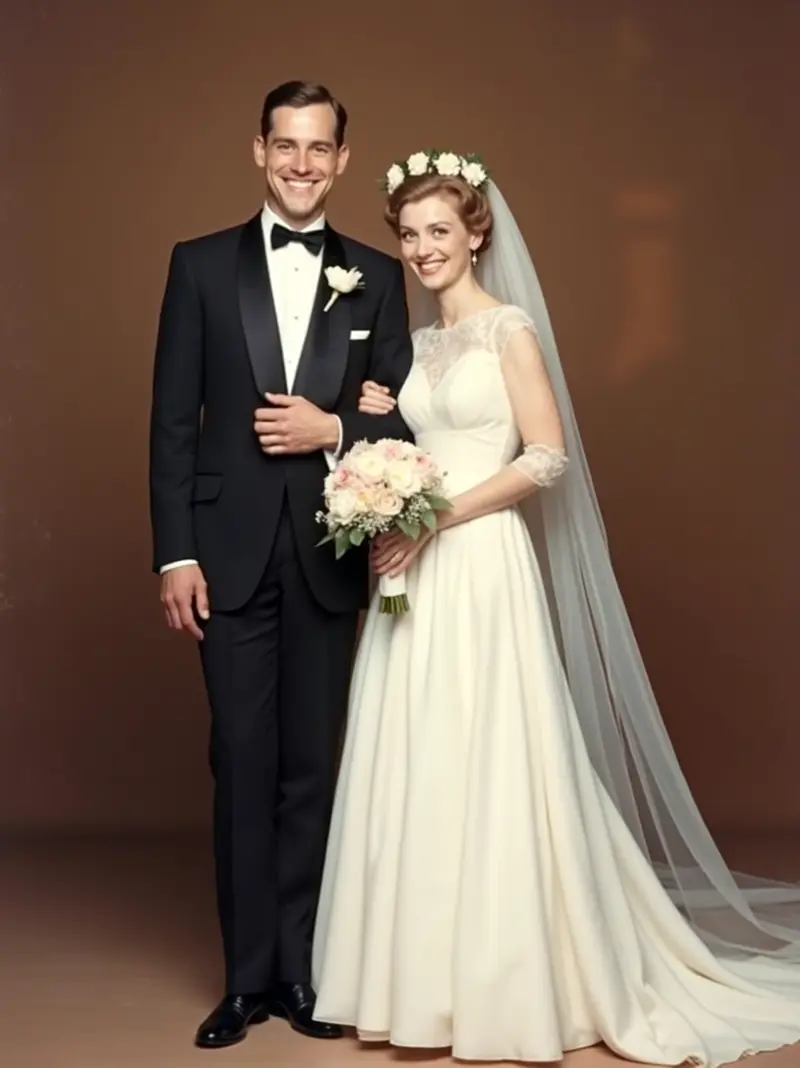
Bride blinks, groom leans in slightly, ambient breeze stirs her veil — Kodachrome grain preserved
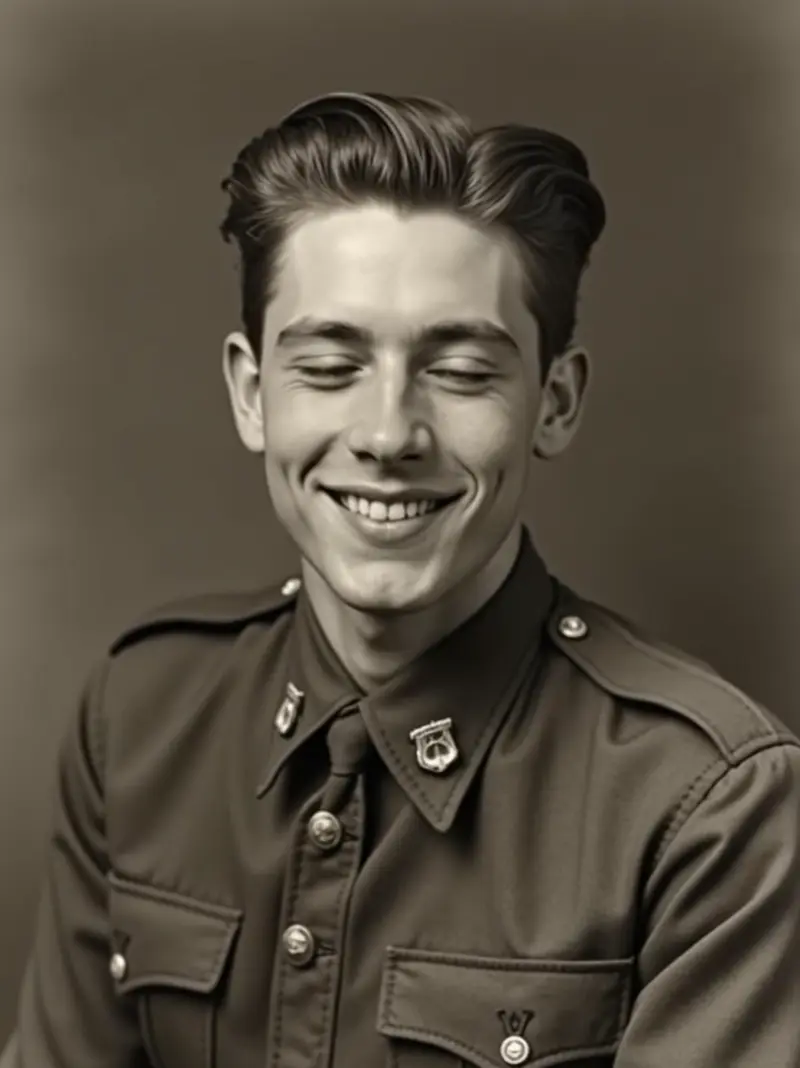
Slow blink, eyes lift one inch toward camera, jaw tightens minimally — silent dignity
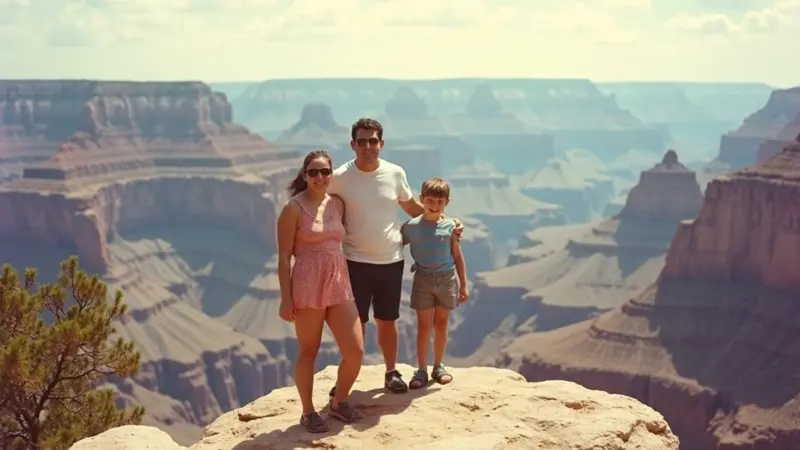
Mom's hair stirs, dad shifts his stance, both kids smile bigger as camera locks — faded grain alive
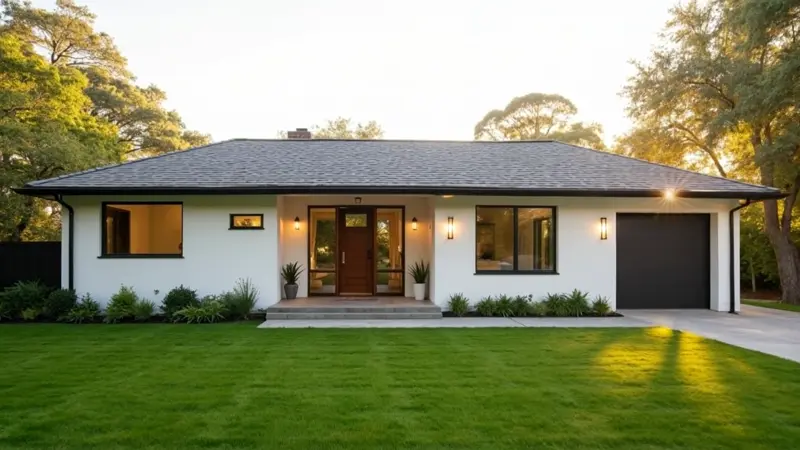
Front door swings open softly, golden hour light spills out from inside — pure invitation
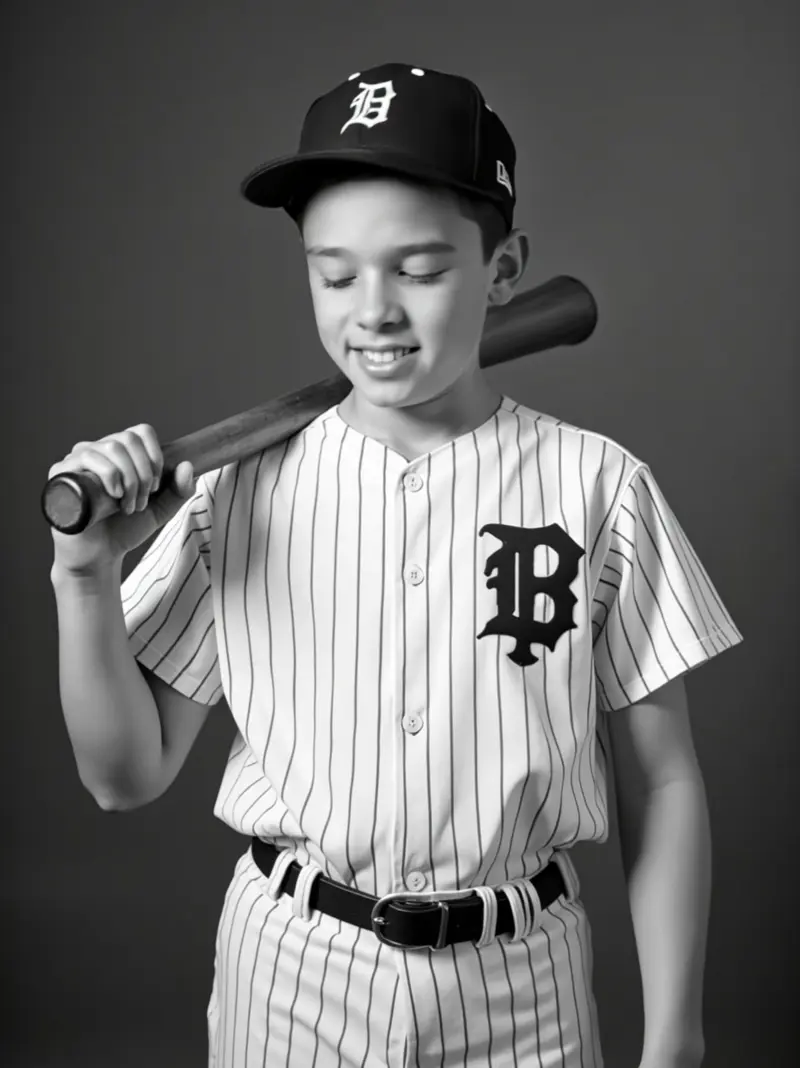
Player adjusts grip on bat, glances toward camera, subtle smile breaking — vintage halation preserved
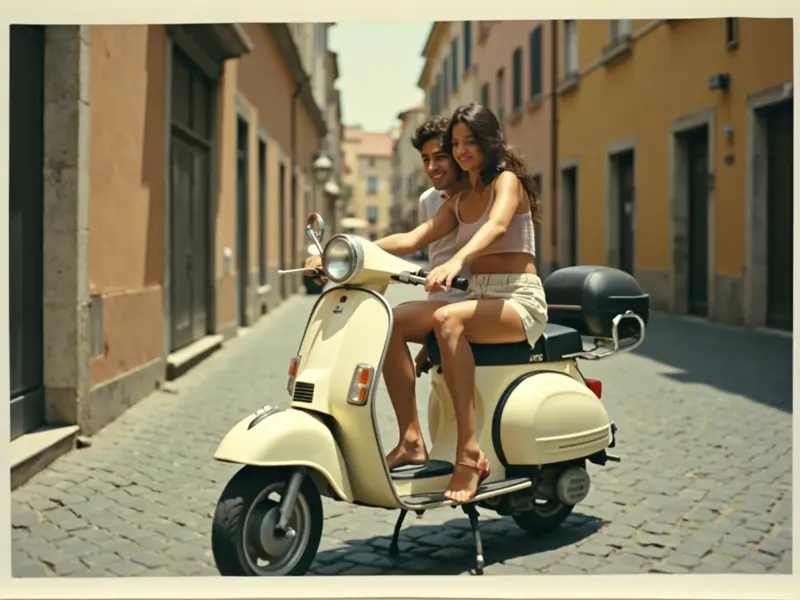
Wind catches the woman's hair, the man turns slightly toward her, both smile broader — faded grain alive
Video Examples
See it in action
Why gVideo
Built for results
Perfect for portraits
Animate portraits with natural head turns, blinking, hair movement, and subtle expression changes. Bring your photography to life without any additional camera work.
Travel photos reimagined
Transform your landscape and travel shots into cinematic video moments. Add a slow pan, drifting clouds, or gentle water ripples to any scene from your camera roll.
Product photos that sell
Animate product images with subtle rotation, zoom, or reflective lighting effects. Create eye-catching social media content from your existing product photography.
How an e-commerce studio actually ships photo-to-video product work
Three jobs the AI is doing with your photo — anchor-frame fidelity, camera motion, subject animation
anchor-frame fidelity: keep your photo unchanged
The biggest letdown in photo-to-video is expecting the source photo to appear as the first frame without alterations. Most i2v models tweak the input—softening edges, shifting colors, or adding a slight zoom. For products and brand portraits, that's unacceptable. Over on r/StableDiffusion (2026-01, 2,563↑ 490c), LTX-2 i2v was put to the test. One user shared: "ever since LTX-2 dropped I've tried pretty much every workflow out there, but my results were always either just a slowly zooming image (with sound), or a video with that weird white grid all over it. I finally managed to find a setup that actually works for me." The top reply, with 322↑ votes, summed it up: "What a great video. Almost feels like an ad but it's super wholesome." Fidelity at frame 1 is key for ad-quality output. Here, Kling 3.0 at 40 credits for a 5-second clip keeps the anchor frame tight—minimal drift, minimal color shift. Use the generator above with Kling 3.0 and match the first frame with your source before committing to motion.
camera motion: simulating a real camera operator
Once the anchor frame is solid, focus on camera moves. In r/StableDiffusion (2025-08, 374↑ 68c), a now-standard workflow for photo-to-video was documented: "Generate a bunch of stills in 1080p for each scene, choose the best and then img2video 720p with the original prompt and added camera movement or motion in the prompt. Incredible results with better detail." The trick is in the prompt: "slow dolly-in, 3 inches per second" or "static medium shot, no camera move, subject motion only." Verbs like "dolly-in" and "orbit" beat adjectives like "cinematic" and "dynamic." On our platform, Wan 2.7 at 7 credits per second (35 credits for a 5-second clip) executes these camera moves with minimal drift. Hailuo 2.3 Pro at 8 cr/s is the go-to for precision (think architectural walkthroughs or product reveals). Try this in the generator above with a photo and a specific camera-move prompt before adding subject motion—get the camera right first.
subject animation: the toughest challenge
Animating the subject is the most challenging task—like making the person turn, the product reflect, the food steam. This is where model costs matter. On r/StableDiffusion (2025-12, 2,875↑ 367c), someone demonstrated what's possible even with low-end setups: "4GB VRAM (NVIDIA Geforce GTX 1050 Ti) and 16 GB RAM ... It shows the scalability of models and potential to create amazing results on even low cost consumer devices." While home setups work for tests, production runs need hosted compute. For subject animation, Pika 2.2 Standard at 20 credits per 5-second clip is great for testing motions. Sora 2 Pro HD at 90 credits per 5-second clip is your upgrade for emotional shots (like a face going from neutral to surprised). r/StableDiffusion (2026-04, 270↑ 43c) remarked: "It is still possible to achieve more natural cinematic realism for video." Use the generator above: start cheap with Pika, and only upgrade keeper shots to Sora 2 Pro if subject motion is crucial.
Not sure which model?
Our pick for photo-to-video
Kling 3.0
40 credits per 5s (~$0.89 on Pro)Character coherence is Kling's strongest trait — faces stay recognizable across the full clip and hands don't mutate. The right pick whenever the photo has a person as the subject.
“Sent my parents an animated version of their 1972 wedding portrait for their 50th. They cried — and so did I.”
Common questions
Can I animate any photo from my camera roll?
Yes. Upload JPG, PNG, or WebP photos up to 10 MB. Standard camera photos work well — just make sure the subject is clear and in focus. Very blurry or dark photos may produce less precise animation.
How do I control what animation is applied to my photo?
Write a motion description in the prompt field. Examples: 'gentle hair movement, warm light shift', 'camera slowly zooms out, birds fly overhead', or 'subtle ripples across the water'. Leave it blank to let the AI decide the motion naturally.
Can I use the animated video commercially?
Yes, all paid plans include full commercial usage rights. You can use animated photo videos in ads, social media, websites, and client work. Free tier videos are for personal use only.
ALSO GREAT FOR