Kling speed, half the credits
Kling 2.5 Turbo — The Fast, Low-Cost Kling
Kuaishou's Turbo variant of Kling trades a little top-end polish for 2–3x faster renders and the lowest credit cost of any Kling model. Use it for iteration, high-volume shoots, and drafts before committing to Kling 3.0.
What’s different
Why creators reach for Kling 2.5 Turbo
Lowest-cost Kling on the platform
25 credits per 5-second video — 37% cheaper than Kling 3.0's 40 credits. The fastest way to iterate on Kling-style prompts without burning through your subscription.
2–3x faster render time
Turbo typically completes in 30–60 seconds vs. 60–120 seconds for Kling 3.0. Rapid-fire prompt tuning becomes practical at this speed.
Inherits Kling's motion DNA
Same motion coherence heritage as Kling 3.0 — smooth physics, stable characters. You trade a bit of peak fidelity for speed, but the Kling signature is intact.
Best for drafts, variants, and volume
Lock the prompt on Turbo, then optionally re-render the final on Kling 3.0 or Sora 2 Pro. One credit pool means both engines are a single click apart.
Sample generations


Best prompts for Kling 2.5 Turbo
Hover to preview. Click any example to prefill the generator.
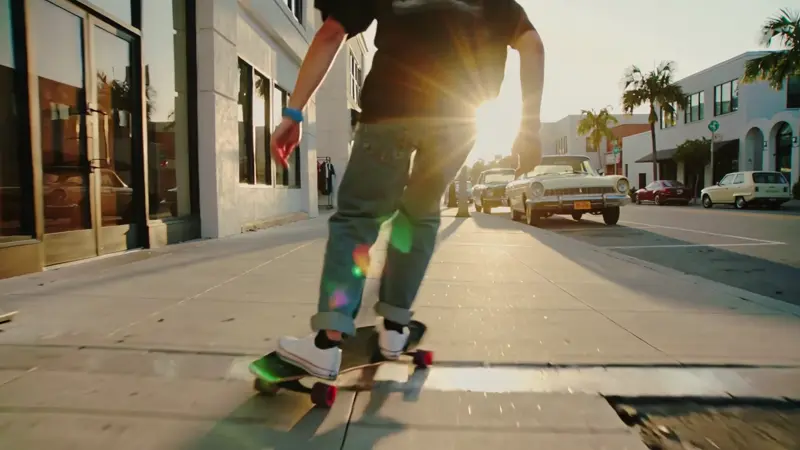
A skater cruising through a sunlit downtown at golden hour, shaky handheld POV, lens flare, Super 8 film grain
Barista pouring latte art in slow motion, overhead shot, cafe ambience, warm morning light, vertical 9:16
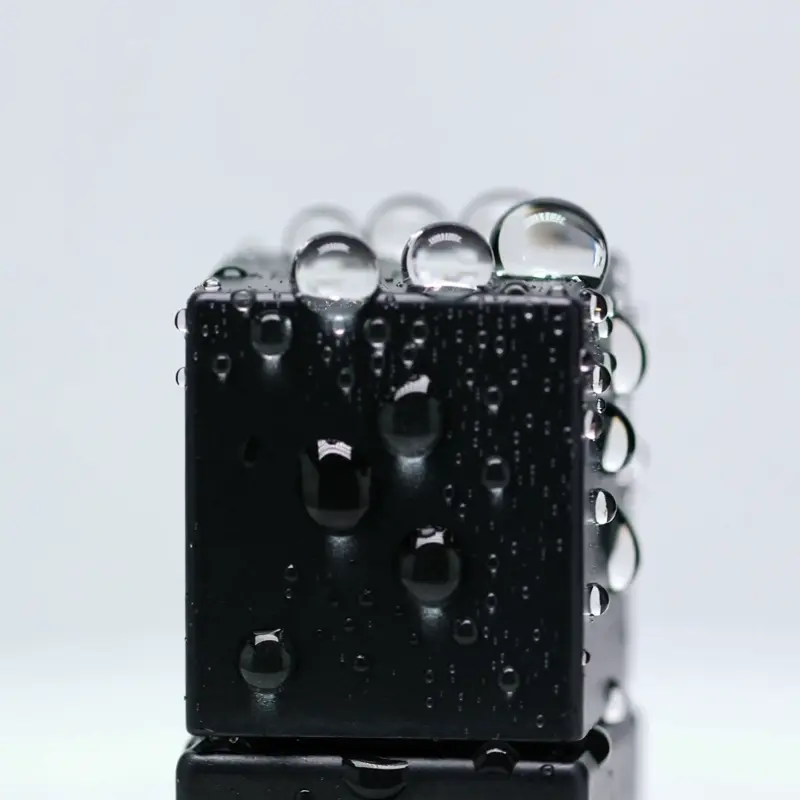
Macro of water droplets beading on a matte cosmetics bottle, slow rotation, soft rim light, white studio background
An astronaut running across a red Mars dune, camera tracking sideways, dust particles trailing, cinematic wide
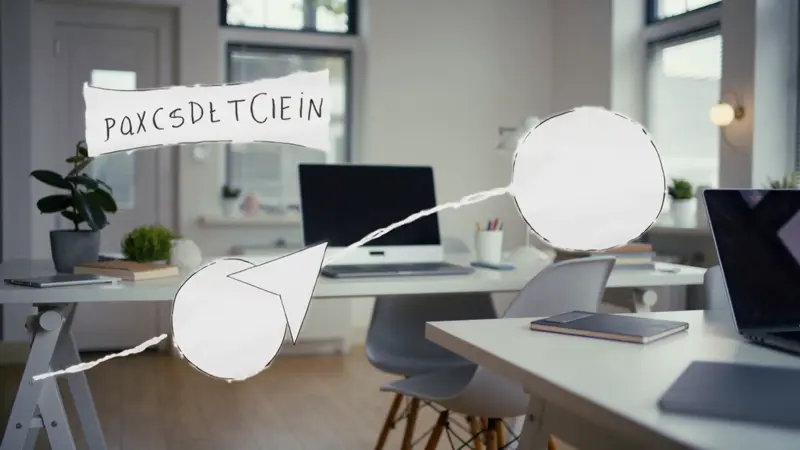
Hand-drawn whiteboard arrow growing from idea node to result node, fast bouncy motion, instructional explainer style, modern coworking studio

Snow falling in slow motion onto a quiet pine forest at dawn, peaceful winter morning, slow camera crane up
One prompt · 19 engines
Same prompt, 10 models
This is what aggregator access unlocks: one prompt, run in parallel against every model on gVideo — Sora 2 Pro, Kling, Veo, Luma, Seedance, Hailuo, Wan. You see the style differences side by side before committing credits to a final render.
Prompt: “A golden retriever sprinting through shallow waves at sunset, slow motion, cinematic 35mm, warm backlight”






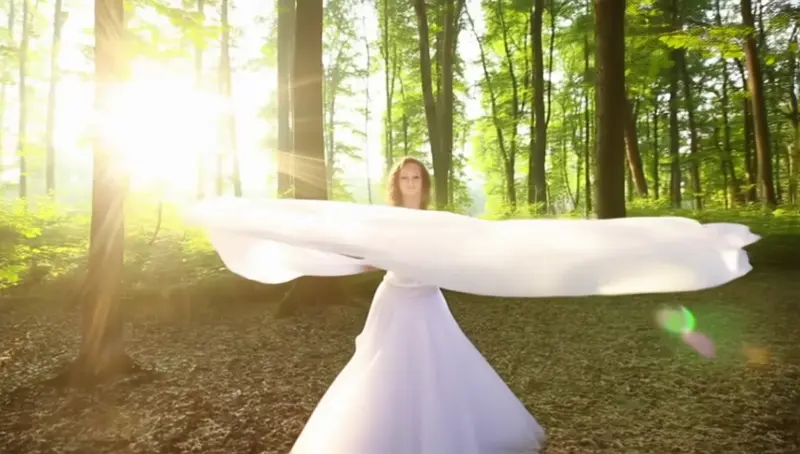


Samples are placeholders — real gVideo generations will replace these in the next release.
Head-to-head
Kling 2.5 Turbo vs the other models on gVideo
| Model | Price | Speed | Max duration | Best for |
|---|---|---|---|---|
| Veo 3.1 Lite | 💰Economy | 60–120s | 8s | Cheapest audio-native · Google Veo |
| Pika 2.2 | 💰Economy | 30–75s | 10s | Stylized · 720p default |
| Hailuo 2.3 | 💰Economy | 40–90s | 10s | Chinese realism · 768p default |
| Kling 2.5 TurboTHIS PAGE | 💰Economy | 30–60s | 10s | Fast Kling renders |
| Wan 2.7 | 💰💰Standard | 30–75s | 15s | Native audio + 2-15s + multi-aspect |
| Veo 3.1 | 💰💰Standard | 90–180s | 8s | Photoreal + audio |
| Sora 2 | 💰💰Standard | 90–180s | 20s | OpenAI cinematic · budget 720p |
| Kling 3.0 | 💰💰Standard | 60–120s | 10s | Lifelike motion |
| Luma Ray 2 | 💰💰Standard | 40–90s | 9s | Dream Machine · base default |
| HappyHorse 1.1 | 💰💰Standard | 90–150s | 15s | Native audio · 9 aspect ratios · 720p default |
| Veo 3.1 Pro | 💰💰Standard | 120–240s | 8s | Top-tier cinematic · 4K |
| Seedance 2.0 | 💰💰💰Premium | 40–90s | 10s | Speed + adherence |
| Sora 2 Pro | 💰💰💰Premium | 90–180s | 20s | OpenAI cinematic · HD default |
Credits
Kling 2.5 Turbo credit cost on gVideo
Kling 2.5 Turbo costs 25 credits per 5-second video, or 50 credits for 10 seconds. All 19 models share a single credit pool under your gVideo subscription.
At 25 credits per 5-second video, Turbo is the cheapest Kling on gVideo. Free signup credits (100) cover four 5-second Turbo generations — the most draft-friendly model for free-tier experimentation.
Common questions about Kling 2.5 Turbo
What's the difference between Kling 2.5 Turbo and Kling 3.0?
Kling 2.5 Turbo is Kuaishou's fast, low-cost variant: 25 credits per 5s vs. 40 for Kling 3.0, and typically 2–3x faster to render. Kling 3.0 wins on peak motion quality and long-shot character stability. Use Turbo for iteration; upgrade to 3.0 for finals.
Can I try Kling 2.5 Turbo on the free tier?
Yes — the 100-credit signup bonus covers four full 5-second Turbo renders (25 credits each). That makes Turbo the most draft-friendly model for free-tier experimentation on gVideo.
Is it slower or faster than Kling 3.0?
Faster. Turbo renders usually complete in 30–60 seconds vs. 60–120 seconds for Kling 3.0. The trade-off is a small reduction in top-end fidelity.
Does Kling 2.5 Turbo support audio?
Audio is optional on Kling 2.5 Turbo — you can toggle it on in the advanced generator options. Enabling audio adds a 20% credit surcharge (30 credits per 5s instead of 25) reflecting the underlying provider cost.
Can I use the output commercially?
Yes on all paid plans. gVideo grants commercial usage rights matching the Kuaishou licensing that ships with the Turbo endpoint. Free tier outputs are for personal use only.
Which aspect ratios does Kling 2.5 Turbo support?
16:9 landscape, 9:16 vertical, and 1:1 square — the full three-ratio set. Maximum duration is 10 seconds, same as Kling 3.0.
Ready to generate with Kling 2.5 Turbo?
Sign up free, pick a plan, and start generating.