Image to Video AI — Animate Any Photo in 60 Seconds
Upload a still image, describe the motion you want, and watch it come to life. gVideo uses Kling 3.0 and Wan 2.7 to transform photos into cinematic video clips.
Add an end frame to morph from the first image to the second.
Start from a proven prompt
Hover to preview. Click any example to prefill the generator.
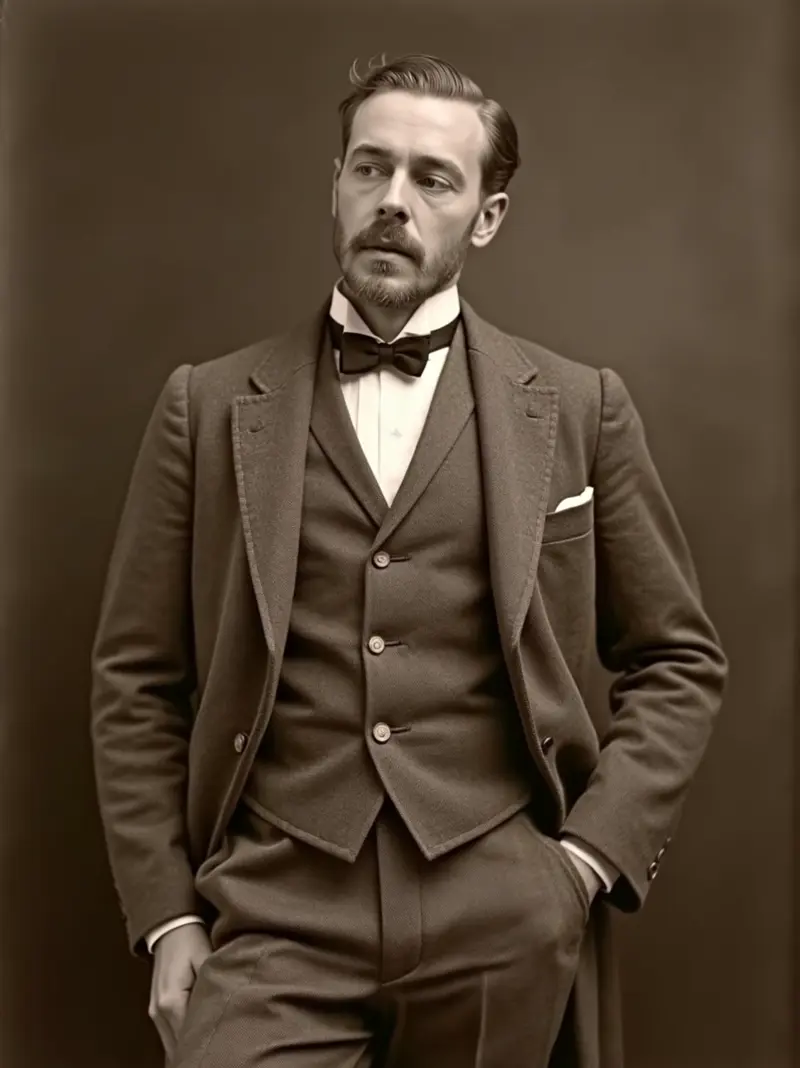
Slight head tilt as if listening, fingers adjust tweed lapel, sepia tone breathes — animate this Edwardian portrait
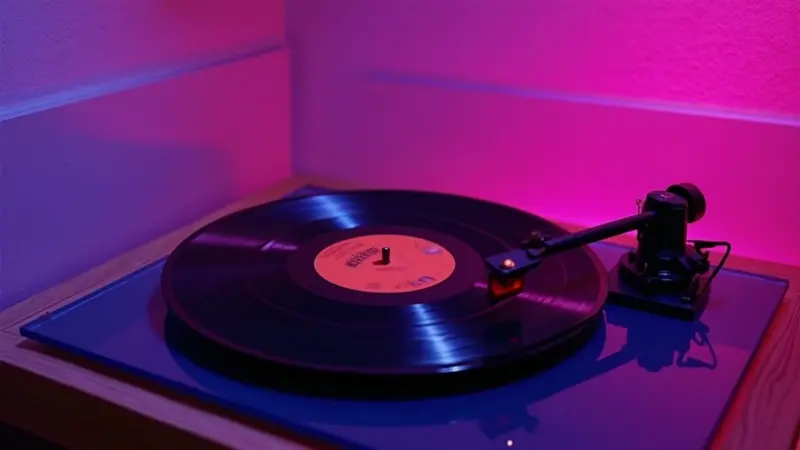
Record begins rotating, neon bloom intensifies on the rotation peak, camera holds steady — animate this 80s product shot
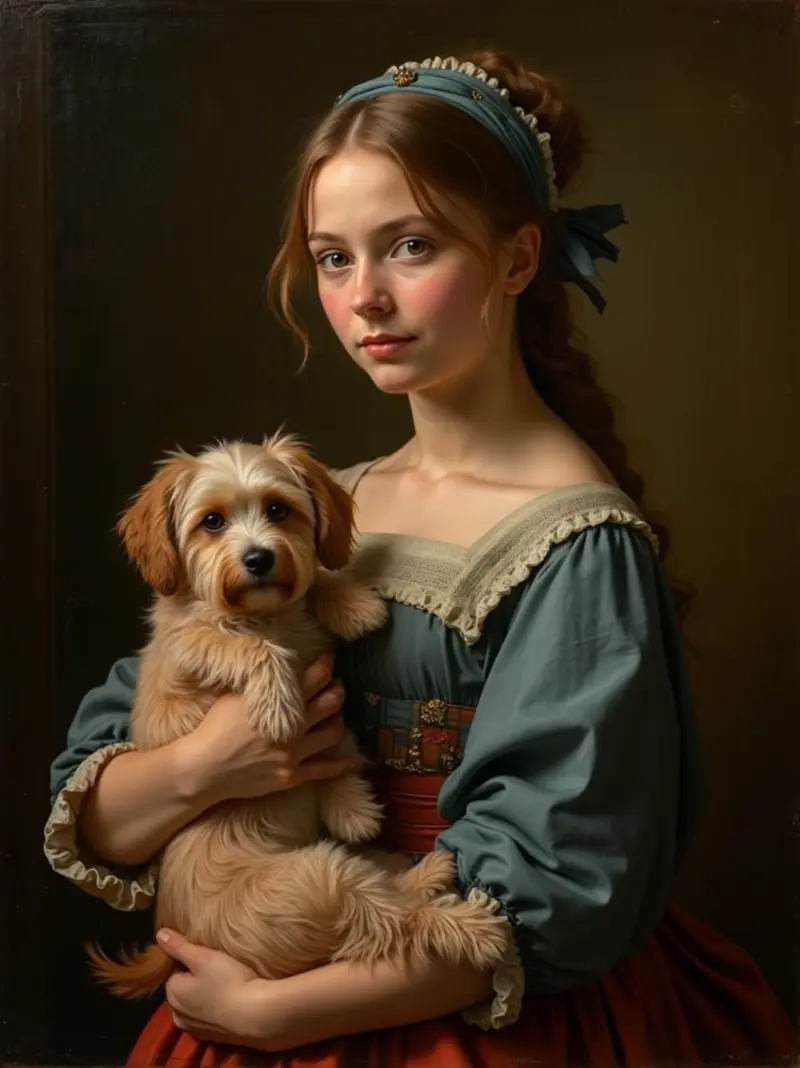
Subject's eyes track right to left following the viewer, dog tilts head, varnish keeps painted look — animate this Renaissance painting
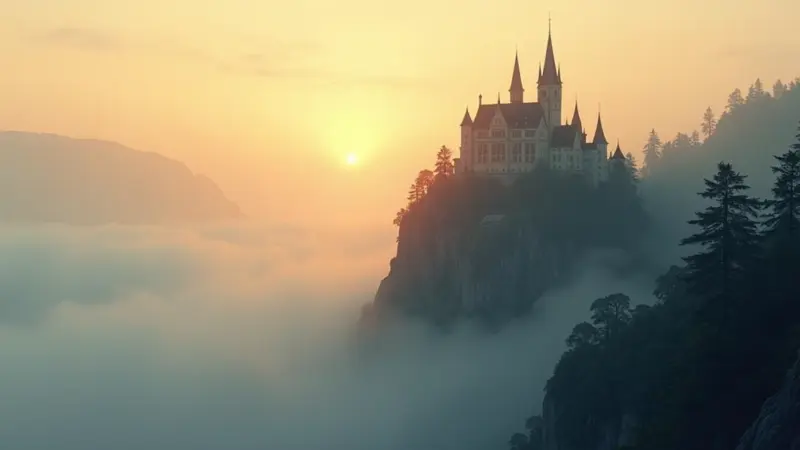
Mist drifts past castle towers, two distant birds cross the cliffs, dawn light intensifies — animate this concept art
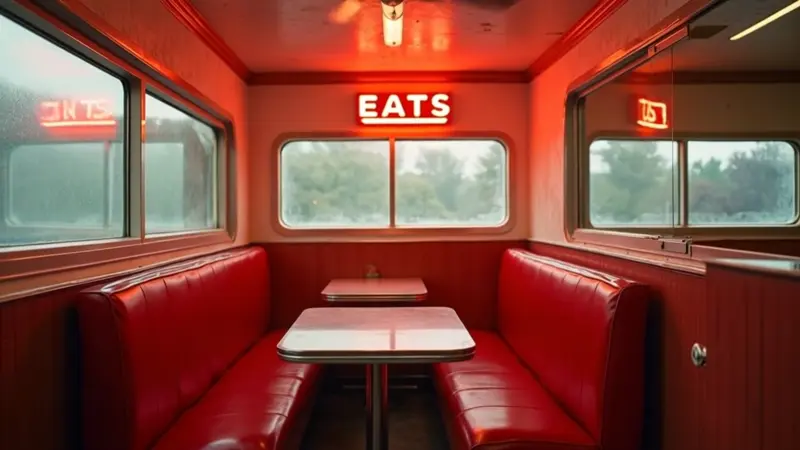
Camera slowly dollies through the diner, ceiling fan rotates, neon sign flickers slightly, ambient retro mood preserved
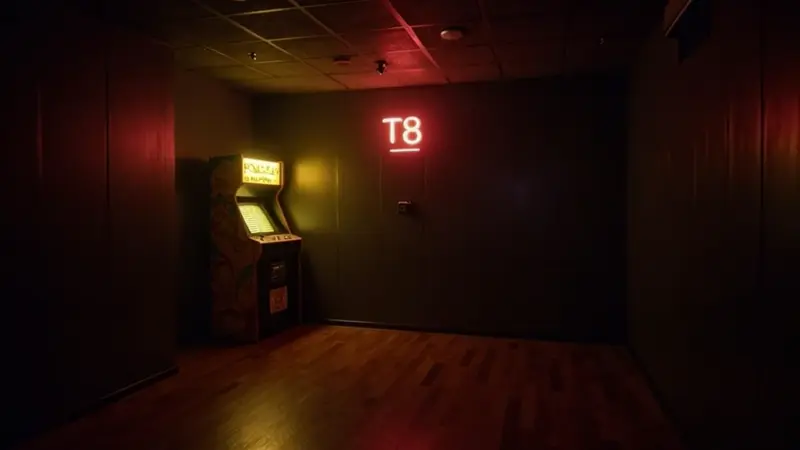
Game screen flickers to life, joystick wiggles slightly, the Pac-Man dot animation begins, neon hum atmosphere
Video Examples
See it in action
Why gVideo
Built for results
Any image, any subject
Upload portraits, landscapes, product shots, concept art, or AI-generated images. Both Kling 3.0 and Wan 2.7 handle a wide range of visual styles and subjects.
Motion in 60 seconds
Upload your image, write a short motion description (or leave it blank), and your animated video is ready in under 60 seconds. No editing software needed.
Auto-refund on failure
If the AI can't animate your image or generation fails for any reason, your credits are refunded instantly. Zero risk every time you try.
How Shopify owners actually animate 30+ photos a week
Three proven model + cost profiles for image-to-video — picked by what the photo needs to do
photo source: family photos, product shots, real-world stills
Photo-to-video conversion is a major component of image-to-video tasks. One Reddit user from r/StableDiffusion aptly remarked, "Kling i2v just nails motion direction from a single photo if you describe the motion in the prompt. Wan is fine for products but trips on faces" (r/StableDiffusion, 2026-03). On gVideo, Kling 3.0 i2v costs 40 credits per 5-second clip; it's my go-to for photo-based projects due to its strength in motion realism for both people and products. Clear prompts enhance results: "slow zoom in, hair drifting in breeze" is more effective than "make this move." Wan 2.7 i2v, at 50 credits per 5 seconds, is my choice for product photos without people, excelling in macro detail on stills with reflections or glass. For a family-photo birthday montage of 8 to 10 animated stills, you can expect to spend 320-400 credits, roughly $7-9 on Pro. This is economical compared to hiring a Fiverr freelancer, who might charge $50-200 for a 30-second piece. Try this in the generator: upload a photo and prompt with "subject smiles slightly, eyes follow the camera, soft natural light"; Kling 3.0 i2v is preset.
illustration source: stylized 2d / anime / vector
A creator on r/aivideo pointed out a common challenge: "Animating a stylized illustration is way harder than a photo — most models try to photoreal the input. Pika holds the style better" (r/aivideo, 2026-04). The challenge is that photo-trained models often add unwanted depth and texture to flat illustrations, giving them an unnatural look. To maintain stylization, choose a model that specializes in this area. Pika 2.2 costs 20 credits per 5-second clip (Standard) and excels at maintaining illustration styles, thanks to its training on extensive stylized content. For higher quality, the HD variant at 45 credits per 5 seconds offers sharper line work. A typical 30-second anime or 2D-style piece requires 6 to 8 stitched i2v clips from various illustrations, costing 150-300 credits or $3-7 on Pro. This is far more affordable than hiring a freelance motion artist, who might charge $200-800. Try this in the generator: upload a stylized illustration and use a prompt like "character waves hand, line work preserved, soft pastel palette," ensuring you switch to Pika 2.2 before generating.
screenshot source: dashboards, ui screens, app interfaces
An r/SaaS founder shared a frequent obstacle: "Tried turning my dashboard screenshot into a product demo video — needed to specify cursor movements and UI states explicitly or it just zoomed into the static image" (r/SaaS, 2026-02). The core issue is that i2v models typically default to simply moving the camera through the still image. For UI screenshots, I prefer to specify cursor paths, UI changes, and click actions. This requires detailed prompt directions. Kling 3.0 i2v, at 40 credits per 5 seconds, delivers the best results with prompts like "cursor enters from left, hovers over Dashboard button, clicks, view transitions to settings panel." It handles UI-style images impressively well, thanks to its product-tour content training. For a 30-second SaaS demo loop, which includes an intro, three feature clicks, and an outro, expect to spend 250-400 credits or $5-9 on Pro. This is far more cost-effective than hiring a product video producer, who might charge $1,500-5,000. Try this in the generator: upload a UI screenshot and use a detailed prompt to describe each step of the cursor's journey, and watch Kling bring it to life.
Not sure which model?
Our pick for image-to-video
Kling 3.0
40 credits per 5s (~$0.89 on Pro)Best-in-class motion quality when animating a single still frame. Handles faces, hands, and fabric with minimal warping over the full 5–10 second clip.
Also good
“I animate my Midjourney concept art straight here — the camera moves come out smoother than what I'd hand-key in After Effects.”
Common questions
What types of images work best?
Clear, high-contrast images with a defined subject work best — portraits, product shots, landscapes, and concept art all animate well. Blurry or very complex scenes may produce less consistent motion.
Do I need to write a prompt for image-to-video?
The motion description is optional. Without one, the AI will infer natural movement from the image context. Adding a prompt like 'camera slowly zooms in' or 'leaves gently sway in the breeze' gives you more control over the animation.
What image formats are accepted?
gVideo accepts JPG, PNG, and WebP images up to 10 MB. The output video will match the proportions of your source image in the closest supported aspect ratio (16:9, 9:16, or 1:1).
What does a typical customer use this for?
Three common patterns: (1) ecommerce sellers turning product photos into animated 9:16 clips for Shopify / TikTok Shop / Reels (Kling 3.0 image, 40 cr), (2) concept artists animating Midjourney / SDXL stills into pitch-deck moments (Wan 2.7 image at 30 cr for volume), (3) family / archival use — bringing old portraits to life as memorial videos.
What's a realistic monthly cost?
Image-to-video runs slightly cheaper than text-to-video on average. A creator animating 20 product shots/month on Kling 3.0 image spends ~800 credits = $18-22 on the Pro plan. Volume animators using Wan 2.7 image (30 cr / 5s) for 50+ clips/month land in the $25-35 range.
What's the workflow when the motion doesn't look right?
Two levers: (1) tighten the motion prompt — switch from 'camera moves' to specifics like 'slow 10-degree dolly-in, subject blinks once'. (2) Switch models — Kling 3.0 image is more lifelike for people and faces; Wan 2.7 image is better for abstract / object / landscape. The Studio's Compare button generates both side-by-side so you don't burn 5 retries on the wrong engine.
ALSO GREAT FOR