AI Anime Generator
Type a scene, get an anime clip — cel-shaded characters, expressive faces, dynamic action poses, or full sakuga-style motion. gVideo runs Hailuo, HappyHorse, and Pika side-by-side so you find the right anime aesthetic for your scene without burning credits on the wrong model.
Start from a proven prompt
Hover to preview. Click any example to prefill the generator.
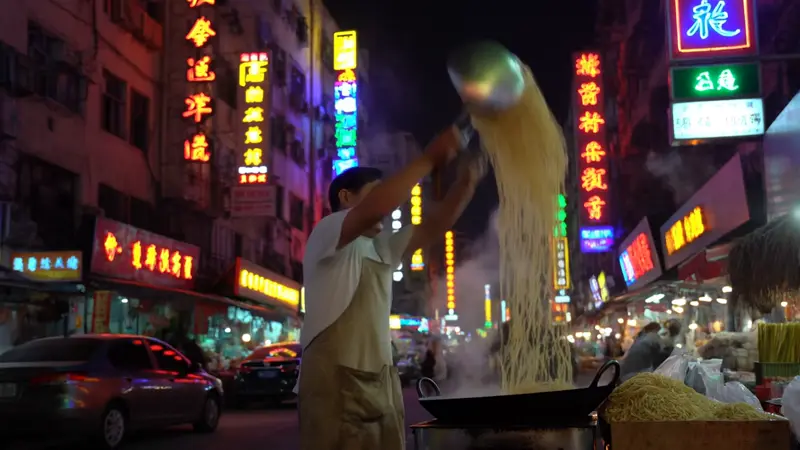
Anime-style noodle vendor at a Tokyo night market, steam rising from the pot, soft lantern glow
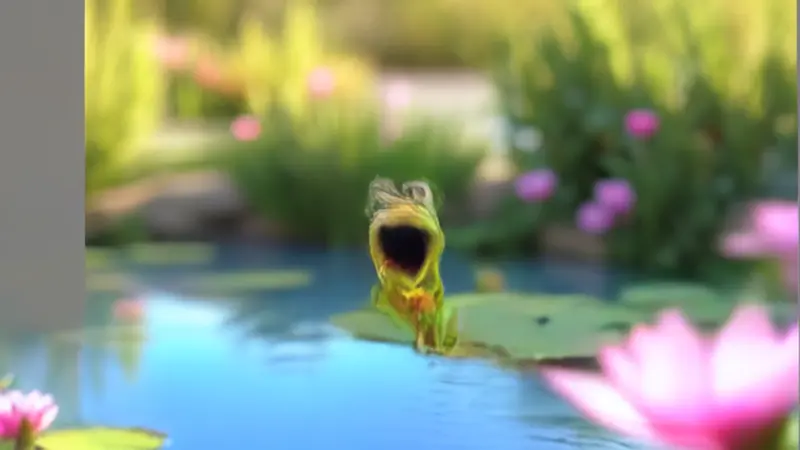
Cute chibi frog character bouncing through a pastel forest, big expressive eyes, anime crossover
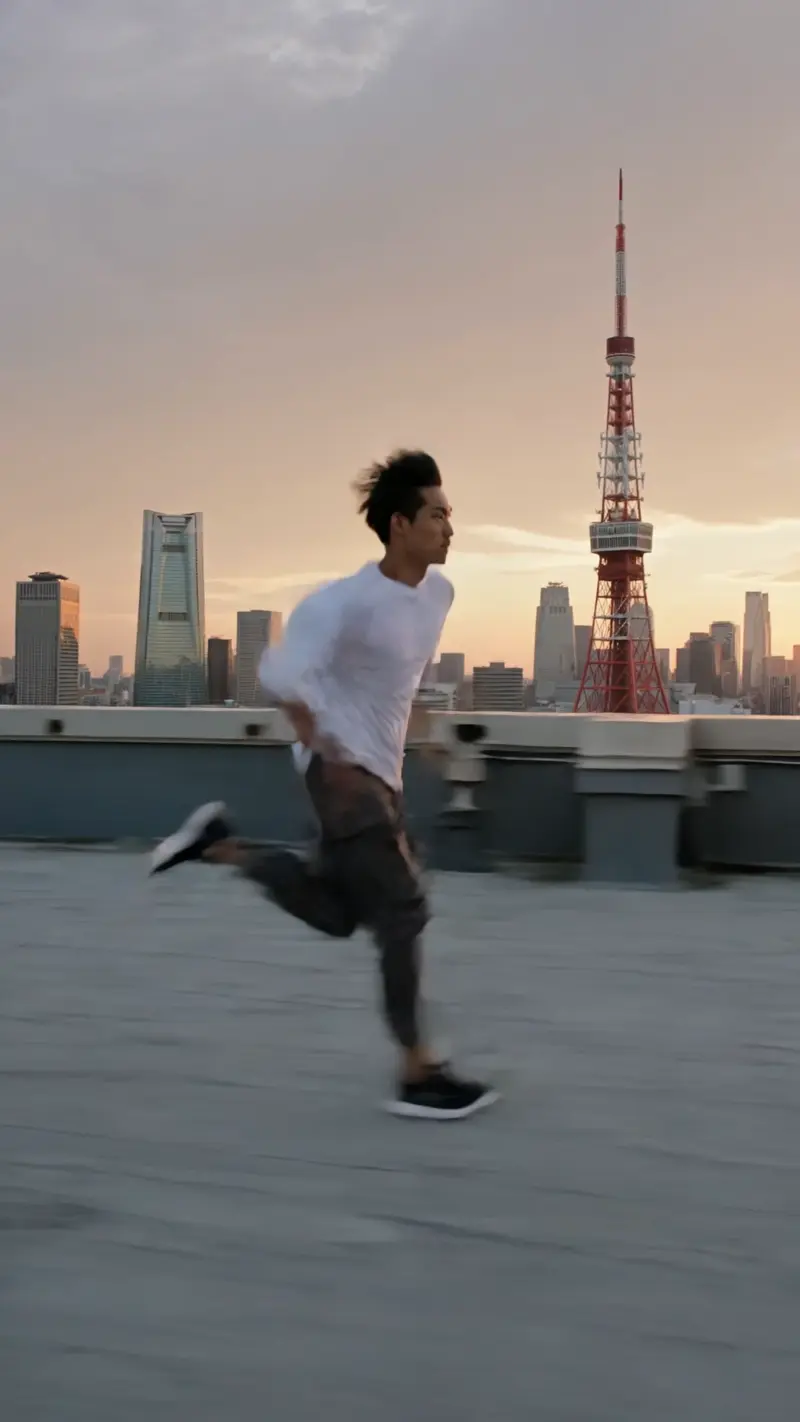
Anime hero parkour-running across Tokyo rooftops at sunset, dynamic motion lines, dramatic camera
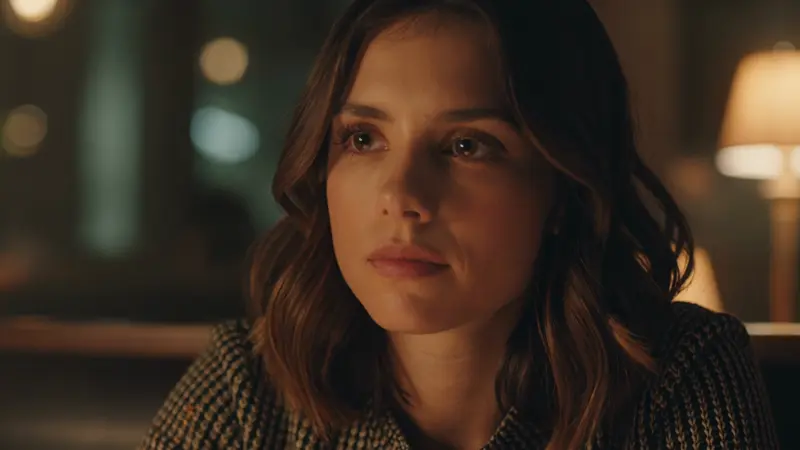
Anime girl alone in a quiet cafe, soft window light, contemplative gaze, gentle camera push-in
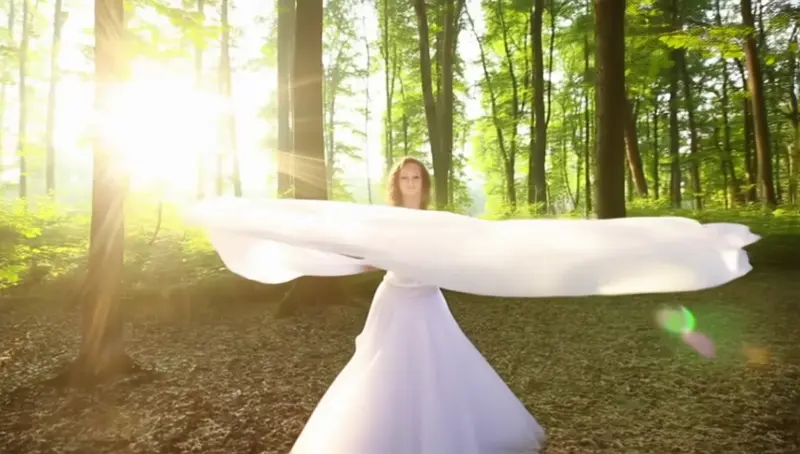
Anime dancer in a moonlit forest clearing, hair drifting, ethereal magical-girl atmosphere
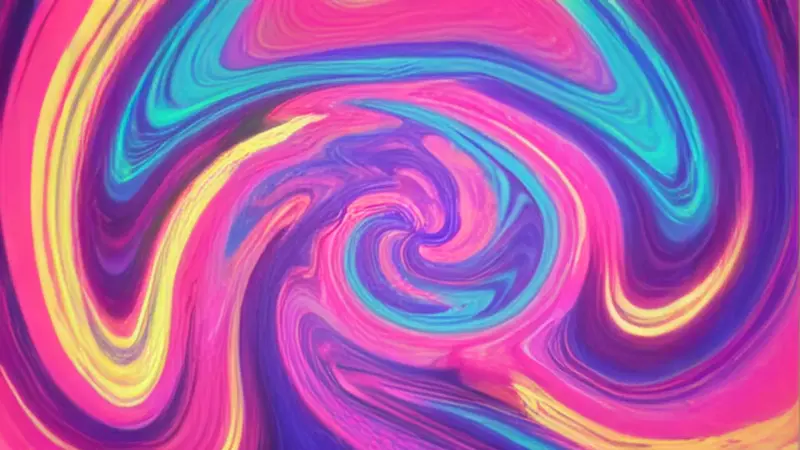
Anime opening sequence — kaleidoscope of color shards forming a character silhouette, OP-style energy
Video Examples
See it in action
Why gVideo
Built for results
Cel-shaded + character expression
Anime lives or dies on character expression. Hailuo 2.3 nails subtle face changes (eye glints, blush, slight smiles); HappyHorse 1.1 owns the dynamic motion (running poses, action lines, sakuga). Pick the right model per shot.
Multiple anime styles in one Studio
Cel-shaded slice-of-life / shounen action / chibi / dreamy magical-girl / OP sequences — different models excel at different sub-styles. Type the look you want, the Smart Picker steers you to the right one.
Side-by-side compare per scene
Anime style is subjective — what looks 'right' for your show varies. Hit 'Generate all 3 side-by-side' on any prompt, gVideo runs Hailuo + HappyHorse + Pika in parallel. Pick the one that fits the show's aesthetic, not the one that comes back first.
How a 12-year anime tech-art director picks AI models in 2026
Three layers of AI anime work — look, motion, story — with the model and credit cost that fits each
look: hailuo 2.3 for the frame-by-frame 90s feel
Choosing the wrong model can lead to animations that feel like a moving slideshow. A creator on r/ChatGPT (2025-07, 1,362↑ 134c) argues for the underrated choice: "Hailuo's most recent video model is a total beast when it comes to 2D animation. It really excels at that frame-by-frame hand-drawn 1990s 2D look with really very few artifacts." It's about restraint, not fidelity. Hailuo 2.3 keeps the held drawings and pose-to-pose timing intact, which is essential for authentic anime. It costs 5 credits per second (25 credits for a 5-second cut), so experimenting with the look is affordable. Use the generator above with a prompt like "1995 cel-shaded, held keys, two-frame breakdowns, hand-painted backgrounds" and discard any takes that blur the in-betweens.
motion: wan 2.2 animate when one part of the shot has to be exact
A common error is generating everything from scratch when only one element needs altering. r/StableDiffusion (2026-01, 2,229↑ 147c) offers a solution: "Surgical masking lets you preserve the original scene's performance and image quality, keeping everything intact while only generating the new object, in this case Wolverine's mask." This method is perfect for anime motion work; keep the camera move, lighting, and background, and only redraw what's necessary. Wan 2.7 costs 6 credits per second here. Feeding it an anchor frame reduces rejection rates compared to blind text-to-video. A heavy user on r/aipromptprogramming (2026-01, 390↑ 611c) noted that "I produce daily and in large numbers," making the per-clip cost with this workflow sustainable. Drop a still in the generator above as a reference and detail only what should change.
story: sora 2 pro for the connected narrative scenes
Story is where tests end and real editing begins. r/aivideo (2025-09, 1,311↑ 384c) tested Sora 2 on a fight scene, and feedback was honest: "wow... we are few iterations away real from anime AI... i thought that was like a decade away at least, holy shit, the way the AI tries its best for the animation to be really close to the original one is simply mindblowing, even though it's really having a hard time trying to make sense of the fight choreography." What this means is Sora 2 nails broad story beats and emotion-carrying shots, but struggles with combat choreography. Sora 2 Pro costs 18 credits per second in HD (90 credits for a 5-second shot) and 30 credits in Premium. Use it for the crucial emotional arc scenes, not filler. Try the generator above with prompts specifying shot type, character emotion, and the key frame at the cut.
Not sure which model?
Our pick for anime
Hailuo 2.3
30 credits per 5s (~$0.67 on Pro)Best cel-shaded / anime aesthetic on gVideo. Chinese-developed (same regional sensibility as Japanese anime), handles character expressions + dialog framing natively. Strong on quiet moments and slice-of-life scenes.
“I'm storyboarding a doujin animation project — Hailuo for the dialog scenes, HappyHorse for the fights, Pika for the cute interludes. gVideo is the only tool that lets me do all three on one credit pool.”
Common questions
Can I generate anime videos for free?
gVideo no longer offers free trial credits. Creating an account is free — pick a plan (from $9.99/mo, cancel anytime) to start generating.
Which model is best for anime?
Depends on the scene. Hailuo 2.3 = slice-of-life / character close-ups / dialog. HappyHorse 1.1 = action / dynamic motion / sakuga. Pika 2.2 = chibi / playful / OP-sequence energy. Kling 3.0 = cinematic anime hero shots. The Smart Picker reads your prompt and recommends.
Can I do specific anime styles like Ghibli, Shinkai, or 90s retro?
Yes via prompting. Add the reference style in your prompt: 'in the style of a Ghibli film, soft watercolor backgrounds, gentle motion'. Models won't perfectly mimic a specific studio (copyright + training data limits) but will catch the aesthetic — pastel palette, contemplative pacing, etc. HappyHorse + Hailuo handle these style cues best.
Can I generate anime from a reference image?
Yes — switch the Studio mode to image-to-video, upload your character reference (a screenshot, a manga panel, a fan art piece), and the model animates it. Hailuo 2.3 i2v is best for character preservation. Output is 5-second motion from your reference.
How long are the clips?
4-10 seconds per generation depending on the model. For longer animation sequences, generate 6-10 clips with similar character + setting prompts and stitch in any free editor (CapCut, DaVinci Resolve). Most uploaded anime shorts are 30-60s built from 8-12 AI clips.
Are anime clips commercial-use?
Yes on all paid plans — you can upload to monetized YouTube, sell merch with frames, use in client work, or publish on doujin/manga platforms. Free-tier outputs include a watermark and are personal use only.
ALSO GREAT FOR