Wedding Video Maker
Generate cinematic clips to fill the gaps in your wedding film — establisher shots of the venue at golden hour, slow-motion ring close-ups, candle-lit reception transitions, atmospheric B-roll. Sora 2 Pro + Kling 3 own the wedding-cinema aesthetic. Plans from $9.99/mo.
Start from a proven prompt
Hover to preview. Click any example to prefill the generator.
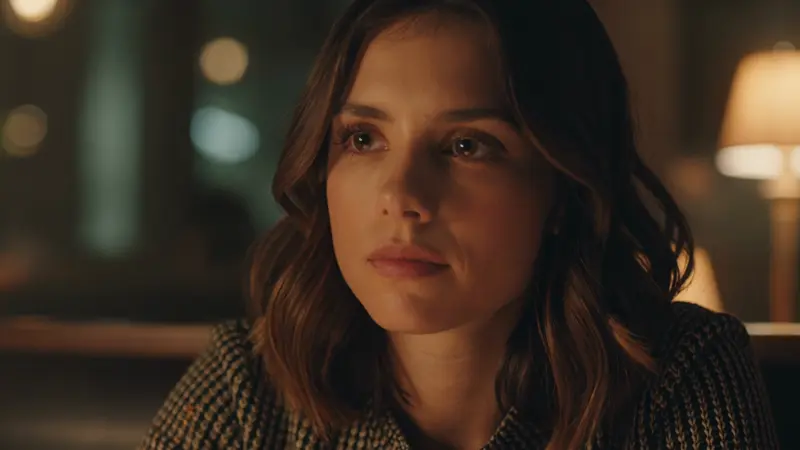
Bride looking out a tall window in soft morning light, intimate getting-ready moment, slow camera dolly in
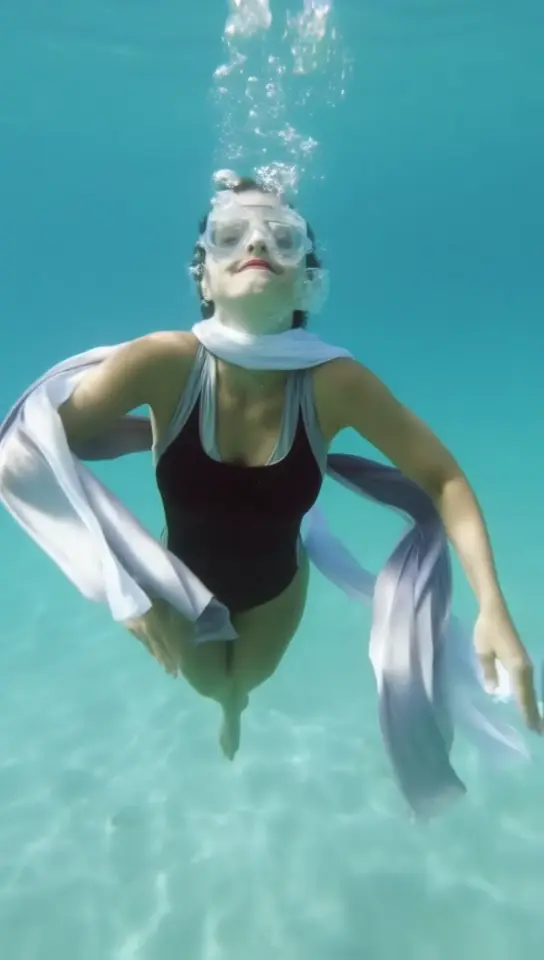
Slow-motion close-up of a bride's veil drifting in soft breeze, ethereal natural light
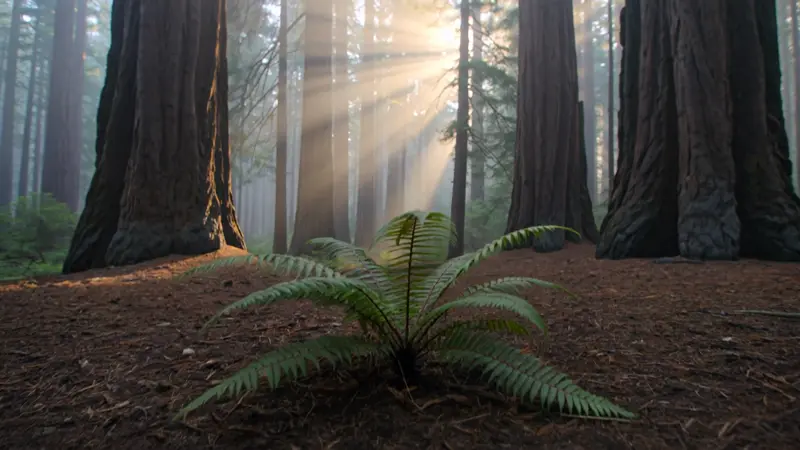
Outdoor wedding ceremony in a redwood grove, soft afternoon light filtering through tall trees
Reception venue at blue hour, string lights twinkling, cinematic establishing shot
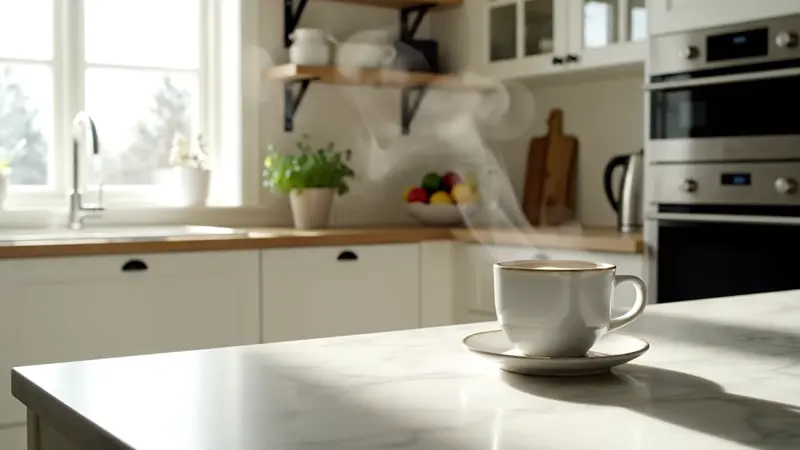
Soft-lit reception room at golden hour, vintage table settings, ambient chatter and string quartet
Slow-motion close-up of wedding rings on a velvet box, soft directional lighting, shallow depth
Video Examples
See it in action
Why gVideo
Built for results
Fill B-roll gaps after the day
Real wedding footage misses things — the venue at sunset, the rings before they were on, the candle-lit reception entrance. Generate replacements that match your color palette and intercut. Most wedding films have 10-15% AI B-roll now.
Match your existing color science
Specify the look in the prompt: 'warm golden tones, slight film grain, soft pastel highlights' to match the rest of your edit. Sora 2 Pro is the most reliable for matching specific color directives across a multi-clip sequence.
Vertical for socials, horizontal for the highlight reel
Generate the same scene in 16:9 for the YouTube highlight film, 9:16 for the Instagram Reels teaser, 1:1 for the Spotify Canvas. Pick the ratio in Studio before generating; we don't crop after.
Where AI fits into a working wedding-videographer workflow — and where it doesn't
Pre-production, production day, post — the three places AI clips earn their credit cost (and the one place they don't belong)
Pre-prod: the venue scout, the timeline, the establisher shots you decide to generate before the day
A working wedding videographer on r/videography opened a thread with: "I am 8 years deep in my video production career... I am rightfully terrified. Sora 2 just came out and blew my mind" (r/videography, 2025-10, 24↑ 50c). The thread's 50 comments split between "AI replaces everything" and "AI replaces the establisher shots only"; the working-videographer consensus landed on the latter. Pre-prod is where AI saves real time. The venue-at-blue-hour shot the bride wants but you won't have time to capture between ceremony and reception. The ring close-up that needs perfect light and a tripod you won't set up at the venue. The drone hero of the building's exterior at golden hour, on a day the actual weather might be overcast. Sora 2 Pro at 120 credits for a 4-second HD establisher is the flagship choice: clean color science, holds up at 1080p when intercut with real ARRI or Sony FX footage. Kling 3.0 at 40 credits per 5s is the daily-driver for venue scouting shots and detail close-ups. Plan the AI clips during the week before; generate them while you scout the actual venue. Try this right now in the generator above with a prompt like the reception-blue-hour sample. That's the kind of shot expensive to capture on the day but $2.67 to generate the week before.
Prod: the day itself, where AI is not your camera, full stop
A wedding-photography sub user posted: "I have not really heard many people discuss their own moral and/or ethical limits in the use of generative fill/AI in your wedding work. Everyone I speak to removes exit signs, blemishes, and most importantly videographers but where do you draw the line" (r/WeddingPhotography, 2026-04, 9↑ 21c). The 21 comments converged on the same place: AI does not capture the day. AI does not generate the couple's faces. AI does not generate guests laughing during the toasts. The line every working wedding videographer in the thread drew was identical. Real footage of the people; AI for what the people aren't in. The reason is technical, not philosophical. Current models cannot reproduce a specific couple's faces with the consistency required across a 3-5 minute highlight reel. The reason is also practical: your client is paying for a film of their day, not a film about their day. What AI does well on production day is fill. The rain pattern outside the window you couldn't capture because you were on the dance floor. The candle-at-the-tablesetting macro you didn't get because the planner was rushing. Plan to generate these the night of the wedding or the day after, while the day's color palette is fresh in your head. Veo 3.1 at 42 credits per 4-second clip with ambient audio is the right pick for atmospheric inserts; the audio sells the inclusion.
Post: the edit, the LUT match, the intercut where AI clips have to disappear
A cinematographer on r/cinematography described the working DP's path to wedding films: "I have been mainly working as a DP on commercial and branded projects over the past 5-6 years but find more and more 'purpose' in wedding films" (r/cinematography, 2025-08, 120↑ 68c). The 68 comments turned into a master-class on intercutting AI with real footage. The technique that came up most: same LUT on both. Generate the AI clips first, drop them into DaVinci Resolve or Premiere alongside the real footage, then apply your wedding LUT to the entire timeline. The AI clips sit closer to the real footage than they did at the export from gVideo. Specify the color science in the prompt itself. "Warm golden tones, slight film grain, soft pastel highlights, shallow depth of field" makes Sora 2 Pro or Kling 3.0 generate clips that pre-match what you'd grade them to anyway. Luma Ray 2 HD at 60 credits per 5s is the call for slow-motion details: veils drifting, rings catching light, first-look reactions. Budget realistically. 10-15 AI B-roll clips at 5s each on a mix of Kling 3.0 (40c) and Luma Ray 2 HD (60c) costs roughly 600-800 credits, about $13-18 on the Pro plan. That's per-wedding insurance against the shots you didn't get on the day. Try this in the generator with the veil-drifting prompt sample to see how Luma Ray 2 handles wedding slow-mo.
Not sure which model?
Our pick for wedding clip
Kling 3.0
40 credits per 5s (~$0.89 on Pro)Best baseline for wedding cinema — warm color science, intimate framing, smooth slow camera moves. Handles the candlelit-reception / golden-hour establisher / detail-shot triad that fills 80% of wedding films.
“Wedding films used to take 40 hours of editing. Now I generate 5-6 cinematic B-roll clips on Kling, intercut with the actual ceremony, and the highlight reel feels twice as polished. Same delivery time, much better product.”
Common questions
Can I use AI clips in real wedding films I deliver to clients?
Yes on all paid plans (Starter / Pro / Studio). Commercial license is included; no separate footage license needed. Most wedding videographers use 10-20% AI B-roll to fill venue establishers, detail close-ups, and atmospheric inserts.
Will AI clips look obviously different from my real footage?
If you specify the color science in your prompt ('warm golden tones, slight film grain, shallow depth of field'), modern models like Sora 2 Pro and Kling 3 produce clips that pass intercut at 80% recognition. The trick is consistent color grading in post — both AI clips and real footage get the same LUT applied.
What models are best for weddings?
Kling 3.0 = your daily-driver for venue / portrait / detail shots. Sora 2 Pro = the opening hero shot of the highlight reel. Veo 3.1 = scenes that benefit from ambient audio (string quartet, chatter, applause). Luma Ray 2 = dreamy slow-motion (veils, rings, first-look).
Can I generate the couple's specific faces?
AI models can't reproduce specific real people accurately (training-data + ethics limits). Use AI for atmospheric B-roll, venue shots, and detail clips; keep all close-up couple footage from the actual day. The best wedding films use AI for what real footage can't capture (specific weather, golden-hour reshoot, etc.) — not as a substitute for human moments.
How long are wedding clips?
4-10 seconds per generation. Wedding highlight reels are 3-5 minutes total; you'll typically generate 8-15 AI B-roll clips at 5s each and intercut with 2-3 minutes of actual ceremony / vow / dance footage. Total render time across 15 clips is ~25-40 minutes.
What's a realistic per-wedding cost?
Pro plan ($39.99/mo) at 1,800 credits covers 4-5 weddings/month with ~10-12 AI B-roll clips per wedding. Studio plan ($99/mo, 5,000 credits) is for full-time wedding videographers shooting 12+ weddings/month.
ALSO GREAT FOR