Add a Background to a Music Performance on AI
Generate a cinematic AI video backdrop for any music performance — vocal take, instrument cover, live concert simulation, dance routine. Type the mood + setting, pick a model, get a 5-10 second loopable backdrop you can composite under your audio. No green screen, no stock footage.
Start from a proven prompt
Hover to preview. Click any example to prefill the generator.
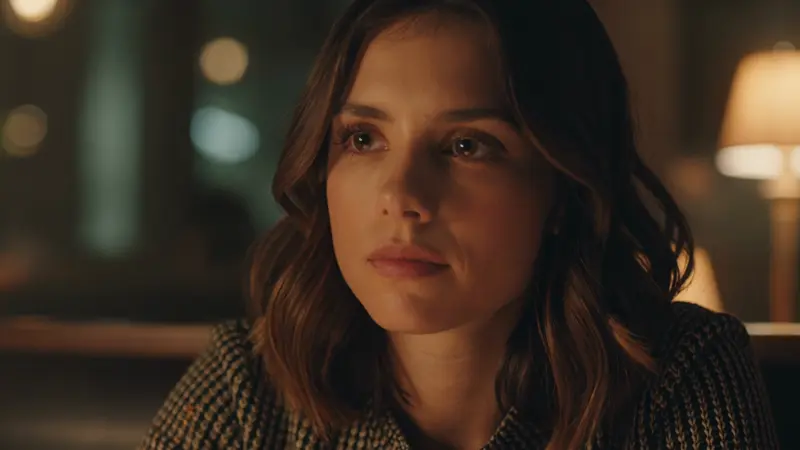
Intimate jazz cafe at midnight, single warm spotlight, soft smoke drifting, slow camera dolly toward a vintage microphone stand
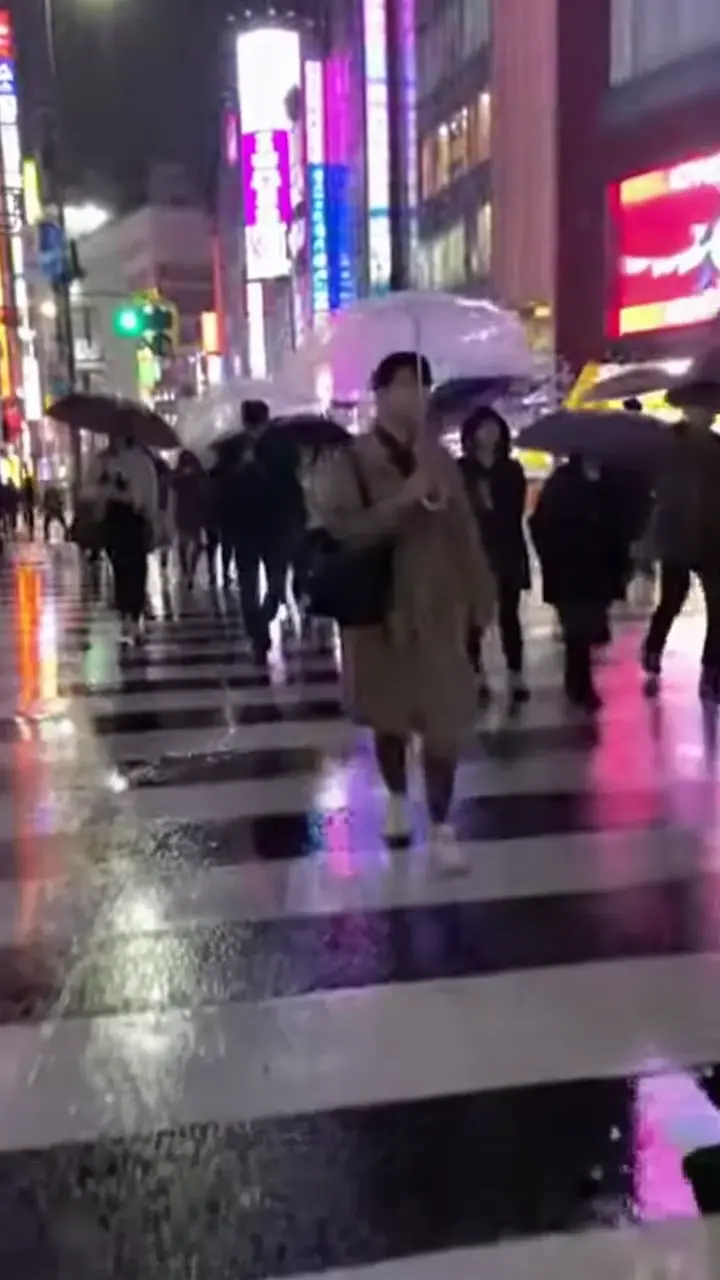
Rainy Tokyo rooftop at night, neon city skyline, lone figure silhouette, slow upward tilt to clouds

Pulsing blue particle field reacting to invisible bass, deep black void, slow rotation
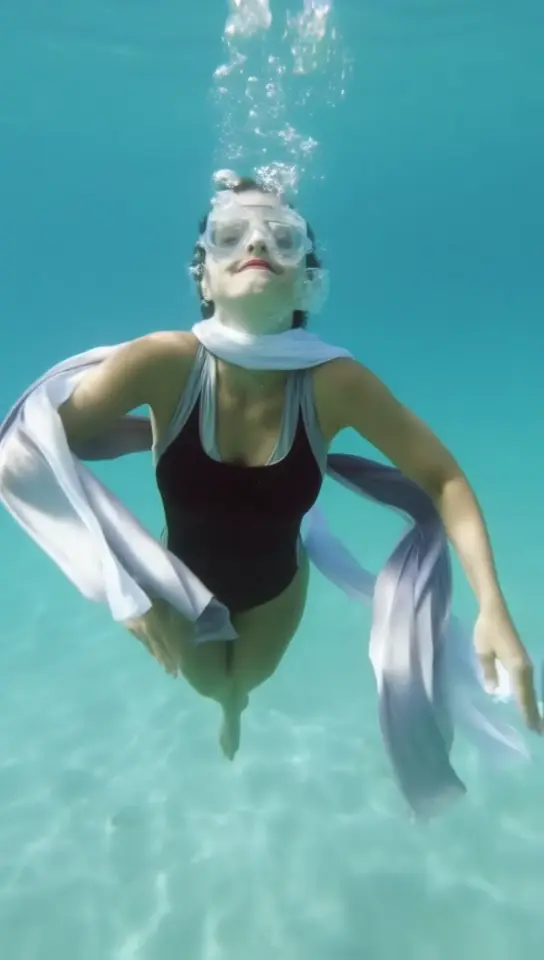
Underwater ballet, hair drifting in slow motion, sunlight piercing surface, dreamy atmosphere
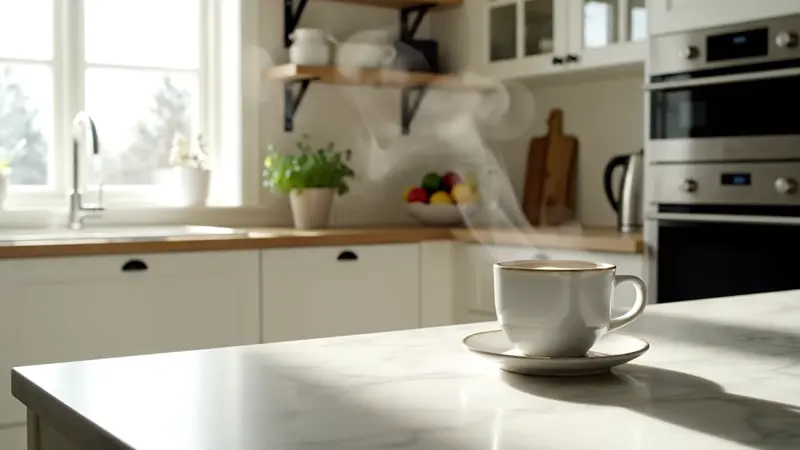
Modern Scandinavian living room at golden hour, soft window light, vinyl record spinning on a turntable
Stadium concert from a crowd POV, hands raised in silhouette, massive stage lights pulsing
Video Examples
See it in action
Why gVideo
Built for results
Composite under your audio in any editor
AI generates the visual; you keep your music. Drop the clip into CapCut / Premiere / DaVinci Resolve, mute the AI's audio (or keep it for ambient layers via Veo 3.1), and your performance audio plays on top. Standard 16:9, 9:16, 1:1 ratios for any platform.
10 models — match the model to the genre
Jazz / acoustic = Kling 3 (warm cinematic). EDM / abstract = Wan 2.7 (cheap iteration). Cinematic ballads = Sora 2 Pro (HD hero shot). Ambient / classical = Luma Ray 2 (dreamy). Pop / arena = Seedance. The Smart Picker recommends per prompt.
Loopable clips — extend any track length
AI clips are 4-10s; songs are 3-4 minutes. Pro tip: generate 2-3 backdrops with similar lighting + slow camera motion, then crossfade in your editor. Most music videos use 6-10 layered clips. Auto-refund on failed renders means you only pay for what you ship.
Not sure which model?
Our pick for music-performance backdrop
Wan 2.7
30 credits per 5s (~$0.67 on Pro)Best cost-per-clip for backdrop loops. 30 credits per 5s means you can iterate 5-6 different vibes (intimate cafe / arena stage / forest at dusk / rooftop neon / studio black) and pick the one that fits the song.
“I use Wan to mock up 4-5 backdrop ideas in 10 minutes, drop them under the rough mix, see which one fits. Whichever survives, I re-run on Kling 3 for the master. Beats sourcing stock footage by a mile.”
Common questions
How do I add an AI background to my music performance?
1) Upload your music performance to a video editor (CapCut, Premiere, etc). 2) Generate a backdrop on gVideo by typing the stage / mood (e.g. 'intimate jazz cafe at midnight, single warm spotlight'). 3) Drop the AI clip onto a track below your performance. 4) Mute or duck the AI's audio if needed. 5) Loop / crossfade if the AI clip is shorter than your song. The whole process takes 5-10 minutes per song.
Should the AI backdrop have its own audio?
Usually no — your music is the focal point. But Veo 3.1 can generate ambient stage sounds (crowd murmur, rain, room tone) that you can layer at -20dB under your music for added realism. Most users mute the AI audio entirely and only keep the visual.
What size / ratio for music platforms?
YouTube horizontal: 16:9. TikTok / Reels / Shorts vertical: 9:16. Spotify Canvas: 9:16 cropped to 3:4 (8 seconds max — Wan 2.7's 8s mode is perfect). Instagram square: 1:1. Pick the ratio in gVideo Studio before generating; we don't crop after.
Which model is best for vocal performances vs instrumental?
Vocal / dialog-heavy = Kling 3.0 (handles human-scale intimacy well). Instrumental / abstract = Wan 2.7 or Luma Ray 2 (dreamy / particle effects). Cinematic / dramatic ballads = Sora 2 Pro at HD quality. Try the Smart Picker — type the lyric or song mood and it recommends the right model.
Can I match the backdrop to the song's BPM?
Indirectly — describe the visual rhythm in your prompt ('slow camera dolly' for ballads at 60-80 BPM, 'rapid intercut shots' for 120+ BPM tracks, 'pulsing particles synced to invisible bass' for EDM). The AI doesn't read audio, but it will follow the rhythm cues in the prompt. For exact sync, edit the AI clip's playback speed in your video editor.
Are AI music backdrops free to use commercially?
Yes on all paid plans — you can use the videos on monetized YouTube, in published music videos, in client work, or sell merch with frames from them. Free-tier outputs include a watermark and are personal use only. See /pricing for plan details.
Ready to generate?
Sign up free, pick a plan, and start generating.
ALSO GREAT FOR