Explainer Video Maker
Generate explainer video clips for SaaS landing pages, B2B product launches, classroom lessons, and concept illustrations. Veo 3.1 handles native voiceover so the explainer narrates itself; Wan 2.7 lets you iterate cheap on visual concepts. Plans from $9.99/mo.
Start from a proven prompt
Hover to preview. Click any example to prefill the generator.

Glowing blue particle data sphere rotating in deep black void, abstract concept illustration
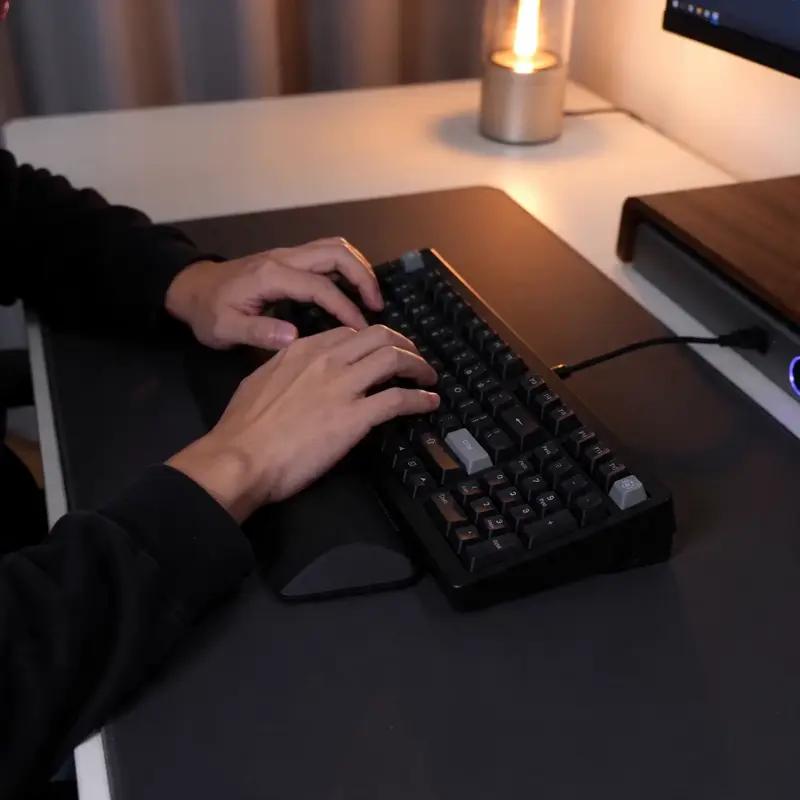
Hands typing on a sleek keyboard, soft studio light, slow camera push-in showing modern workflow

Modern home office at golden hour, voiceover: 'See how our SaaS platform transforms your workflow', soft natural light
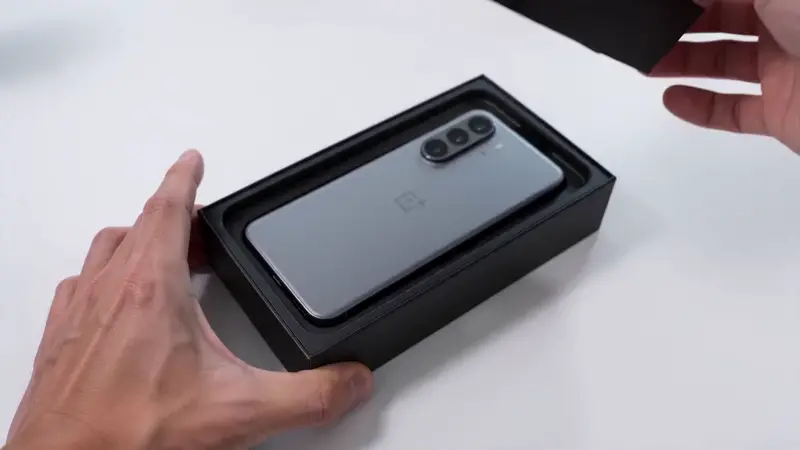
Hands unboxing a sleek tech product, soft studio light, clean white background, product reveal

Abstract concept illustration — branching pathways through a misty forest, metaphor for decision flow

Aerial push-in toward mountain summit, metaphor for goal achievement, dramatic cinematic look
Video Examples
See it in action
Why gVideo
Built for results
Native voiceover via Veo 3.1
Type the visual + the line you want spoken: 'modern SaaS dashboard, voiceover: "See how teams ship 3× faster with our platform"'. Veo generates both. Skip the entire 'record VO → sync → time the cuts' workflow.
Iterate cheap with Wan, ship clean with Veo
Concept stage: Wan 2.7 at 30 cr / 5s lets you test 5-6 visual metaphors for an idea. Once you've locked the metaphor, switch to Veo 3.1 for the final-quality version with voiceover. Most explainers are 80% Wan iterations + 20% Veo finals.
Landing-page-ready 16:9, social 9:16, square 1:1
Generate the same explainer in multiple ratios for SaaS landing-page (16:9), LinkedIn / Twitter (1:1 or 9:16), in-app onboarding tour (16:9). Pick ratio in Studio before generating; no cropping in post.
Not sure which model?
Our pick for explainer clip
Veo 3.1
42 credits per 4s (~$0.97 on Pro)Only model on gVideo with native voiceover — describe the scene + the line you want spoken, and Veo generates both. Saves the entire 'record a VO + sync to clip' workflow. Perfect for SaaS landing-page explainers and classroom lessons.
“I write SaaS landing pages — used to spend 2 days writing copy + 1 week sourcing video clips + 2 days syncing VO. Now I generate 4-5 Veo clips with voiceover in 90 minutes. Conversion rates are up 30% vs the static-photo version.”
Common questions
Can I use AI explainer clips on my SaaS landing page?
Yes on all paid plans — commercial license included. Most SaaS landing-page explainers are 30-90s videos built from 5-10 short clips. Use Veo 3.1 for the narrated portions and Wan 2.7 for the visual concept inserts. Embed the final stitched video via YouTube unlisted upload, Wistia, or direct MP4.
How does Veo 3.1's voiceover work?
In your prompt, include the spoken line in quotes after a 'voiceover:' tag. Example: 'modern home office, voiceover: "Stop juggling 12 tabs. Our platform brings them together."' Veo generates the visual + a synthesized voice that delivers the line. Voice quality is professional-grade; ambient room tone is automatic.
Can I match my brand voice for the voiceover?
Veo 3.1 uses a neutral professional voice; you can't currently clone a specific person's voice. For brand-consistent voiceovers, generate the visual without VO on Wan / Kling, then record your own brand voice in any DAW (GarageBand, Audacity) and sync to the AI clip. Takes ~5 extra minutes per clip.
What models are best for explainer videos?
Veo 3.1 = narrated explainers (saves VO workflow). Wan 2.7 = cheap iteration on abstract concepts / metaphors. Seedance 2.0 = clean product close-ups (fixtures, hardware, devices). Kling 3.0 = cinematic explainers for premium SaaS / agency work. Luma Ray 2 = aspirational / metaphorical scenes (mountains, pathways, light).
Can I generate a recurring spokesperson?
AI models can't reproduce a specific real person across multiple clips with full consistency. For a recurring 'face of the brand' spokesperson, use HeyGen V3 (avatar) on gVideo — pick or upload an avatar once, and use it across all your explainer videos with consistent voice + appearance. See /ai-talking-avatar.
What's the typical credit cost for an explainer video?
A 60-second SaaS explainer typically uses 6-10 AI clips: 3-4 Veo narrated clips (130-180 cr total) + 4-5 Wan concept clips (120-150 cr total) + 1-2 Sora/Luma hero shots (~120-240 cr). Total: ~400-600 credits per explainer. Pro plan covers ~3 explainers/month at this complexity.
ALSO GREAT FOR