Text to Video
The simplest way to generate professional AI videos — just write your idea and choose a model. No camera, no editor, no experience required.
Models in this text-to-video
Pick any of 14 models — switch any time
Start from a proven prompt
Hover to preview. Click any example to prefill the generator.

Close-up of a woman looking off-camera in a dimly lit cafe, slow push-in, cinematic 35mm, shallow depth of field, warm tungsten light

Macro spoon cracking the caramelized top of a crème brûlée, soft kitchen window light, ambient ASMR audio, glossy specular highlight

Wine glass shattering in slow motion against a black backdrop, refractions through every droplet, hard side light, premium tier physics

Glowing blue particle data sphere rotating in deep black void, subtle pulse on the surface, looped motion
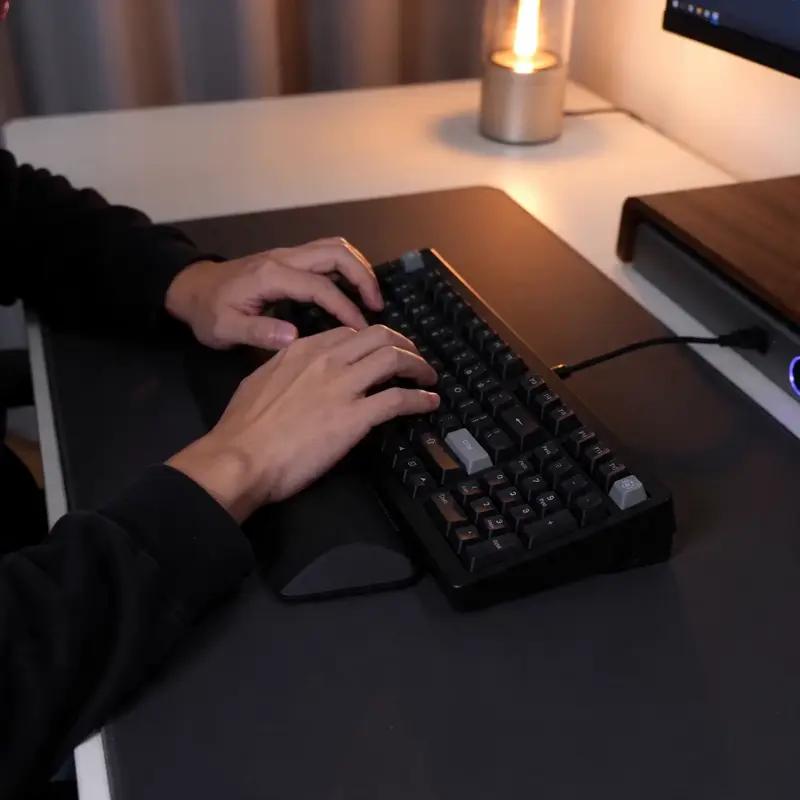
Hands typing on a mechanical keyboard, soft depth of field, warm desk lamp, quick zoom on the enter key

A chef tasting soup and reacting with a small approving nod, kitchen background softly out of focus, natural ambient kitchen audio
Video Examples
See it in action
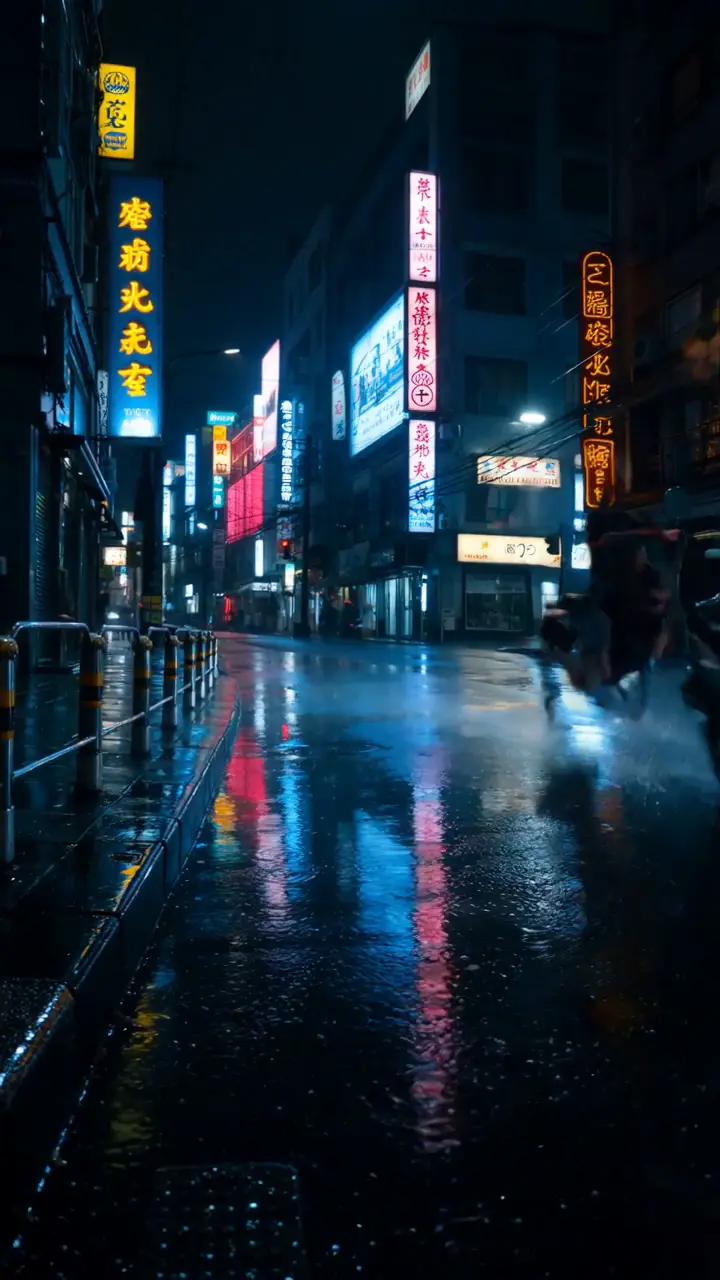
Why gVideo
Built for results
Ready in minutes, not hours
Write your prompt, hit generate, watch queue position live. Fast models finish inside a minute; flagship models take a few minutes.
12 models, one platform
Access HappyHorse 1.1, Sora 2 Pro, Kling 3.0, Veo 3.1, Luma Ray 2, Hailuo 2.3, Seedance 2.0, Wan 2.7, Kling 2.5 Turbo, and Pika 2.2 under one subscription. Switch models until the output is perfect.
Auto-refund on failure
If generation fails for any reason, your credits are refunded within seconds. You only pay for successful videos.
Not sure which model?
Our pick for text-to-video
Kling 3.0
40 credits per 5s (~$0.89 on Pro)Lifelike motion with strong adherence to camera directions (dolly, pan, rack focus). Our default pick for general text-to-video because it nails people, dialog, and cinematic shots at a mid-tier price.
“I type the scene, pick a model, get a usable shot in 90 seconds. Used to take half a day digging through stock footage.”
Common questions
What kind of prompt gets the best results?
Be specific and visual. Describe the scene, mood, lighting, and camera movement. For example: 'Slow pan across a misty mountain range at sunrise, cinematic, golden hour lighting, 4K' works much better than 'mountain at sunrise'.
How long does video generation take?
Most videos are ready in 1–3 minutes. Fast models (Wan 2.7, Kling 2.5 Turbo, Pika 2.2 Standard) often finish inside a minute; flagship models like Sora 2 Pro HD and Veo 3.1 take 2–5 minutes, and peak-load windows can push to ~10 minutes. The generator shows live progress.
Do I need any video editing skills?
None. You type a description, choose a model and duration (5 or 10 seconds), and download the result. gVideo handles everything else.
What does a typical customer use this for?
Three common patterns: (1) social media creators producing daily TikTok / Reels / YouTube Shorts content (Wan 2.7 / Kling Turbo for cost-effective volume), (2) marketers generating ad B-roll without expensive shoots (Sora 2 Pro / Veo 3.1 for hero, Kling 3.0 for everything else), (3) educators / course creators visualizing concepts that don't exist in stock libraries.
What's a realistic monthly cost?
Depends on volume. A creator pumping out 30 short clips/month using mostly Kling 3.0 spends ~1,200 credits = $26-30 on the Pro plan. A casual user generating 5-10 videos/month stays inside the free 100-credit tier or upgrades to Starter ($9.99). Hero-shot heavy workflows using Sora 2 Pro for ad deliverables run ~$60-80/month on Pro tier.
What's the workflow when one model doesn't get the shot right?
Don't keep retrying with the same model — switch. The Smart Picker recommends the top 3 for your prompt; click 'Generate all 3 side-by-side' to run them in parallel. Different engines have different strengths, and the 'wrong model' is the most common reason for unsatisfying output. Cost: ~3× a single generation, but eliminates the 5-failed-attempts loop.
ALSO GREAT FOR