AI Music Video Maker
Type your song's mood, generate cinematic AI footage that matches, and stitch a music video over your track in any free editor. Built for indie artists and music creators who need a video for every release without burning $5k on a director.
Start from a proven prompt
Hover to preview. Click any example to prefill the generator.
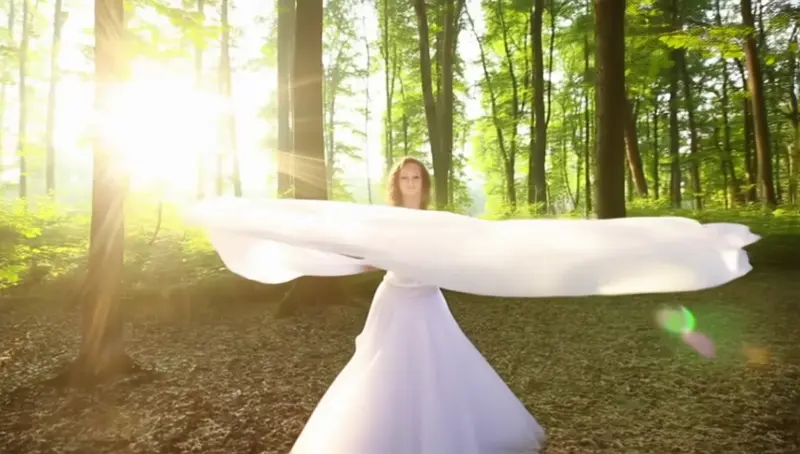
Solo dancer in a misty forest at dawn, slow motion, ethereal mood, golden light beams through trees
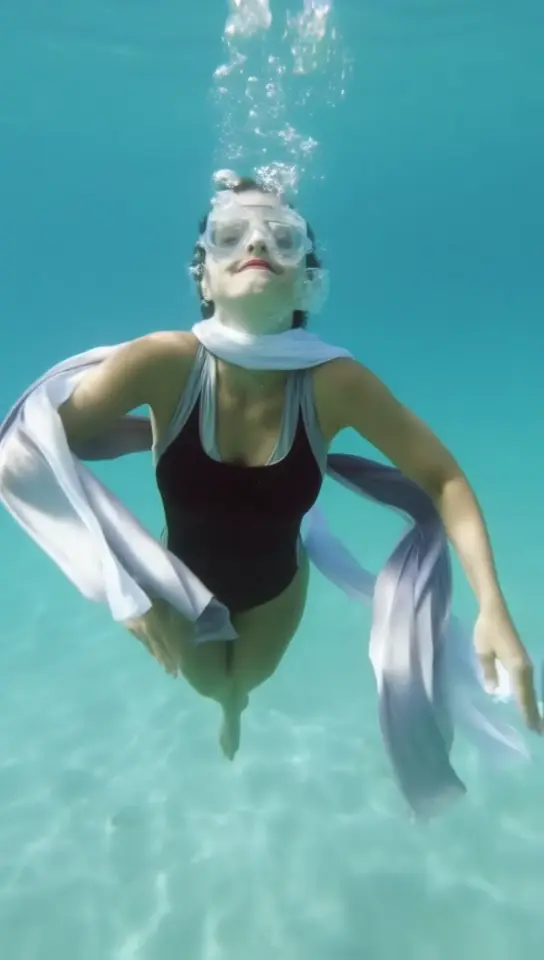
Underwater portrait, hair drifting in slow motion, sunlight piercing surface above — dreamy single-shot
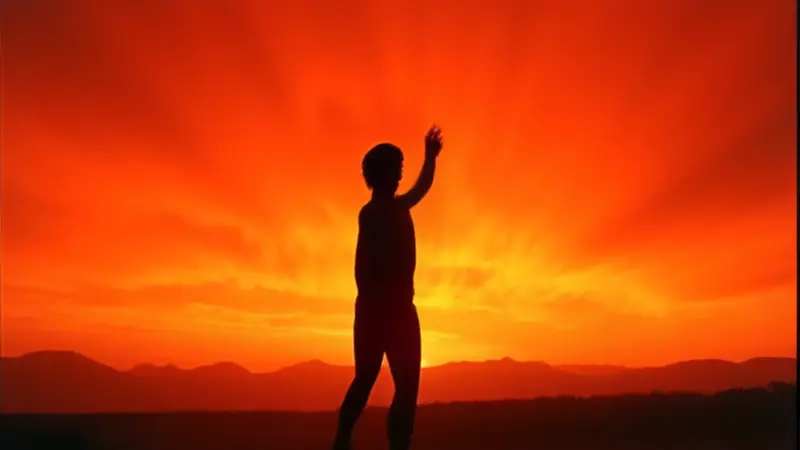
Silhouette dancer against bright stage lights, dramatic backlighting, motion-blur on the spin
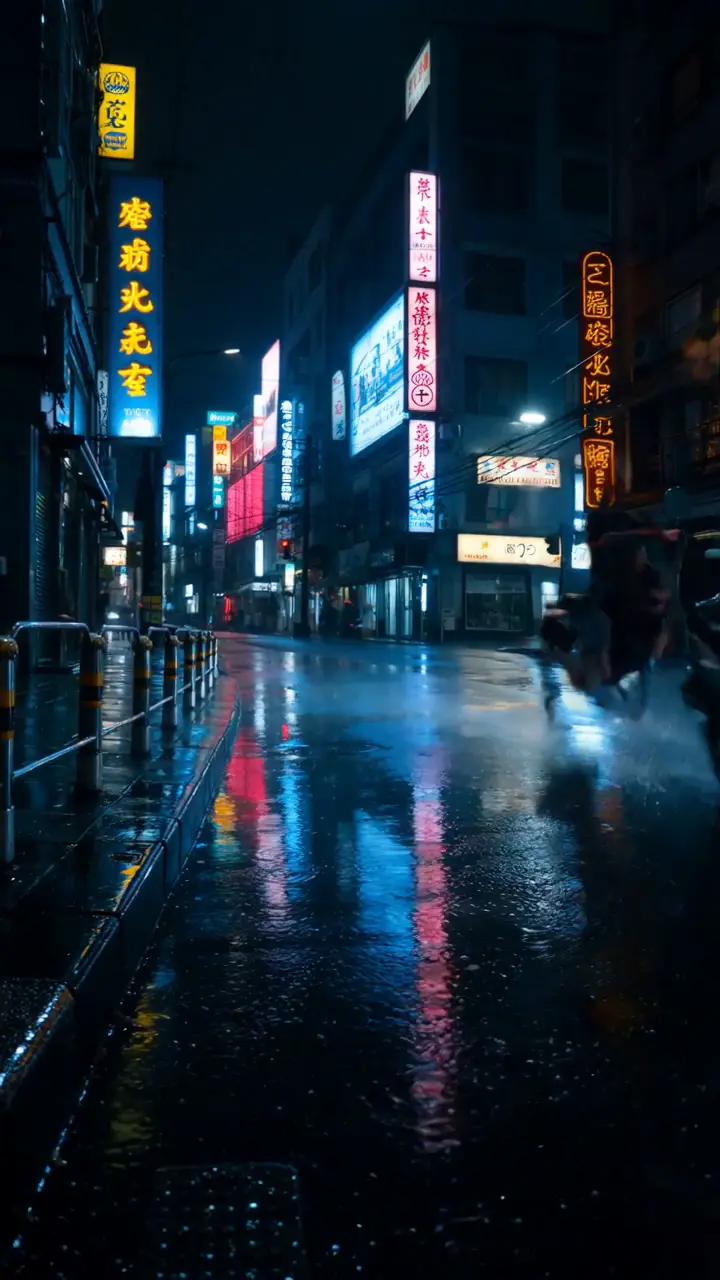
Vertical neon-lit Tokyo street scene, rain streaking past, lone figure walking — for emo / synthwave track
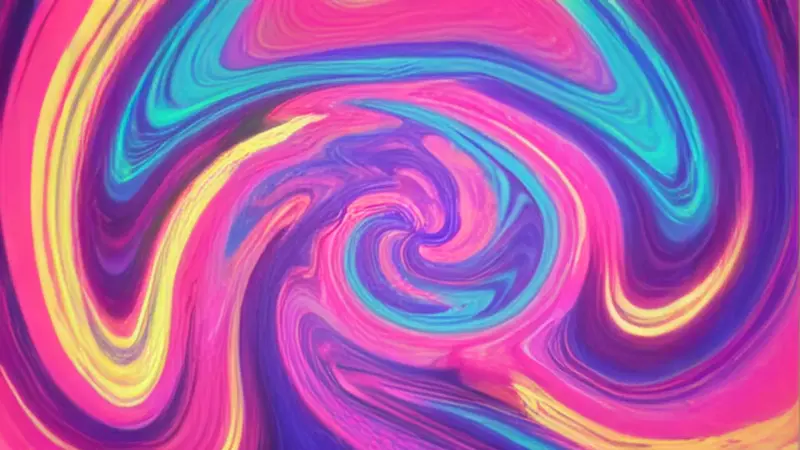
Kaleidoscope morphing patterns synchronized to imagined drop — perfect for visualizer loops on EDM tracks
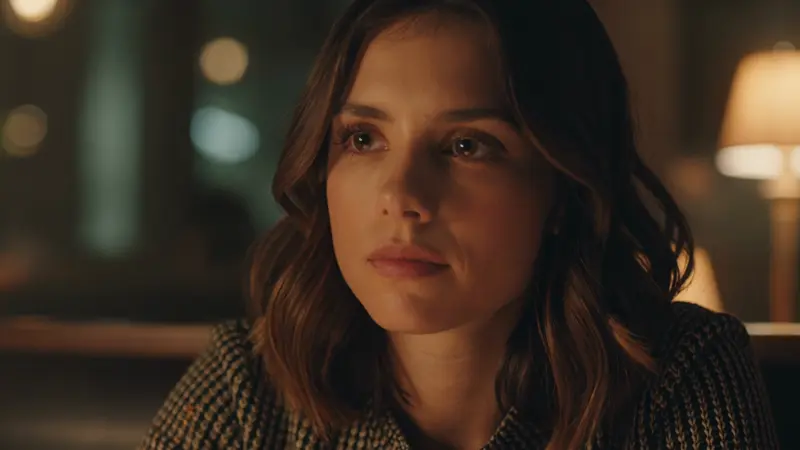
Singer-songwriter type portrait — woman in dim cafe staring off-camera, intimate 35mm cinematic
Video Examples
See it in action
Why gVideo
Built for results
Mood-driven, not just literal
Music videos rarely match lyrics literally — they match mood, energy, atmosphere. Describe the feeling ('isolation,' 'euphoria,' 'underwater dream') and let AI generate visuals that resonate. The 10 models cover every aesthetic.
Lyric video to full visualization
Generate a quick lyric video by stitching 5-6 mood clips at $0.50 each, or commit to a full mini-film with 15-20 hero shots. Both fit inside common indie release budgets.
Vertical for Reels + 16:9 for YouTube
Modern release strategy = upload to YouTube + cut a 30s vertical version for Reels / TikTok / Shorts. gVideo natively supports both ratios so you don't lose resolution cropping.
Not sure which model?
Our pick for music video
Kling 3.0
40 credits per 5s (~$0.89 on Pro)Best for music video work — handles people, character vignettes, atmospheric scenes, and stylized cinematic looks. The mid-tier price means you can generate 12-20 clips per song to find the right ones.
“Released 4 singles in 2026, each with a full AI music video. Combined cost across all 4: under $200. Streams are up 8× from when I had no videos at all.”
Common questions
How long is a typical AI music video?
Match your song length. A 3-minute song typically uses 18-25 stitched AI clips (4-10s each). A 30-second snippet for Reels uses 4-6 clips. Generate the visuals in batches over an evening, then sync to your audio in any free editor (CapCut, DaVinci Resolve free).
Can the AI lip-sync to my actual lyrics?
Not directly — current text-to-video models don't lip-sync precisely to a specific audio track. For lip-sync work, look at the AI Talking Avatar use case (which lip-syncs from audio + photo). Most music videos succeed without lip-sync — they cut between performance shots, atmospheric B-roll, and concept visuals.
How do I match the visuals to the song's tempo?
In your editor: drop the audio track first, mark beats / drops / verse-chorus transitions, then place AI clips on those marks. For fast-tempo songs, generate shorter clips (4-5s) and cut frequently. For slow ballads, use 8-10s clips with longer holds.
What aspect ratio should I generate at?
Generate the full version at 16:9 (1920×1080 native) for YouTube. Generate a separate 9:16 vertical version for Reels / Shorts / TikTok — don't crop the 16:9. Most successful indie releases publish both versions on launch day.
What's a realistic cost for a full music video?
A 3-minute song with 20 clips at Kling 3.0 cost = 800 credits ≈ $18 on Pro plan. Mixing in Wan 2.7 for B-roll cuts this to $12-15. The Pro plan ($29/month) handles 1-2 full music videos per month with credits left over for snippets.
Are AI music videos free for monetized release on Spotify, YouTube Music, Apple Music?
Yes — all paid plans include commercial license covering streaming platform releases, monetized YouTube uploads, sync placements, and merch. Free-tier outputs include a watermark and are personal use only.
ALSO GREAT FOR