AI Picture Video Maker
Drop a photo, describe the motion, and gVideo turns the still picture into a cinematic 5-10 second clip. Perfect for memorial slideshows, product reveals, social posts, and breathing life into archived photos.
Start from a proven prompt
Hover to preview. Click any example to prefill the generator.
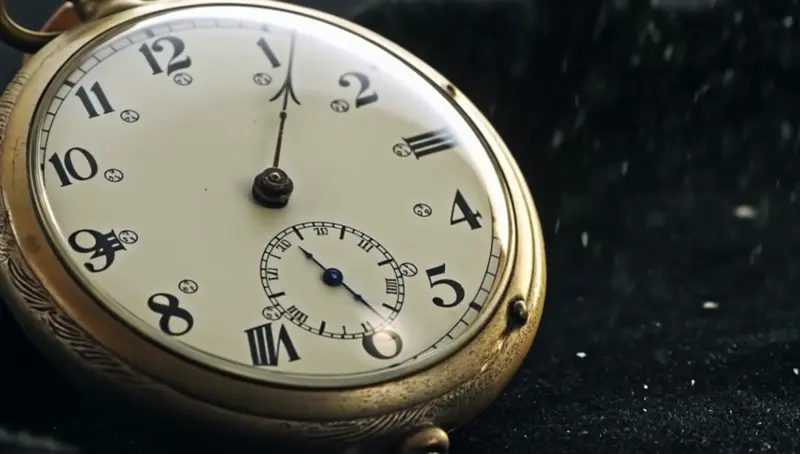
Slow rotate revealing the back of a vintage pocket watch on velvet, soft warm overhead light, shallow focus pull
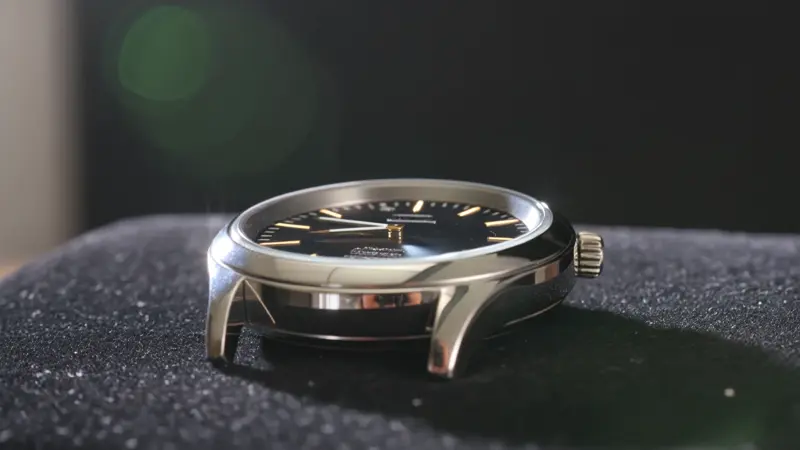
Slow push-in on a luxury watch face, light catching the bezel, dust motes drifting in shaft of window light
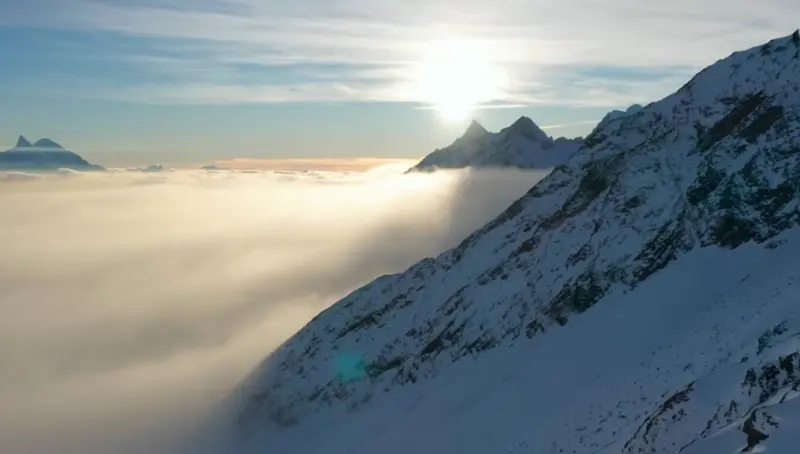
Smooth aerial push-in on a misty mountain peak, parallax depth, golden hour rim light
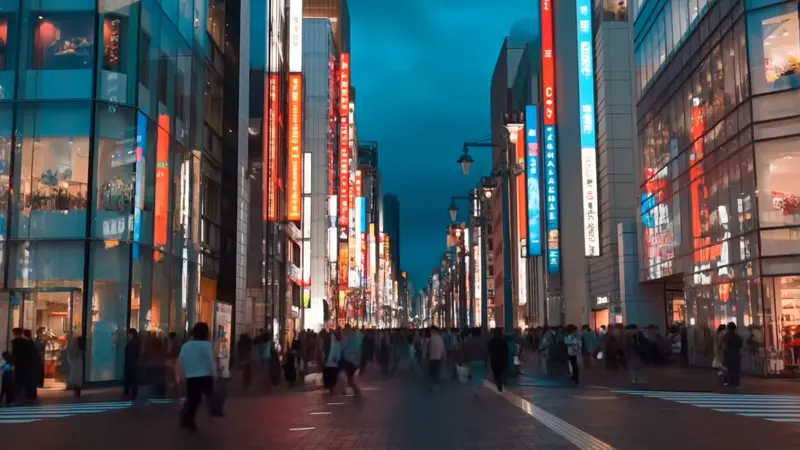
Subtle camera drift across a city skyline at dusk, neon signs flickering, gentle wind in foreground branches
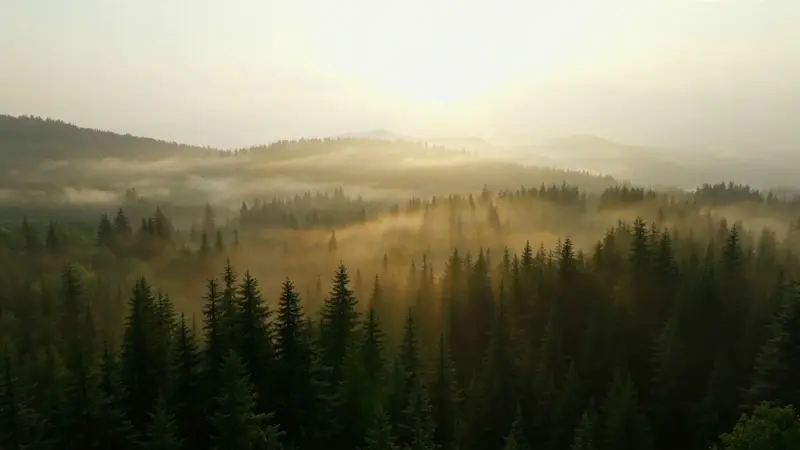
Slow forward drift through a misty forest, light shafts breaking through canopy, depth parallax
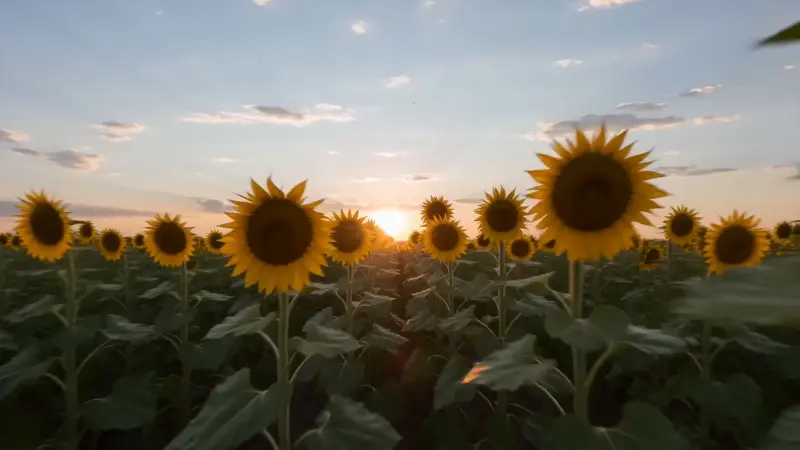
Drone-style overhead pull-back from a single sunflower revealing a vast field, summer daylight
Video Examples
See it in action
Why gVideo
Built for results
Photos to motion in minutes
Upload any picture — old family photo, product shot, AI-generated still, or stock image — and get a smooth motion clip. No keyframing, no After Effects.
9 motion engines under one roof
Different photos need different motion. Kling preserves faces and objects; Luma is sharpest on detail; Wan handles atmospheric scenes cheaply. Try them side-by-side and pick the best.
Failed renders auto-refund
If a generation fails for any reason, the credits are refunded automatically within seconds — you only pay for videos that render.
Not sure which model?
Our pick for picture-video
Kling 3.0
40 credits per 5s (~$0.89 on Pro)Best for picture-to-video animation — preserves the source photo's likeness while adding natural camera moves (push-in, slow pan, parallax). Strongest character + face preservation.
“I had 200 photos from my grandma's albums. Made a memorial video with subtle camera moves on each one — looked like a TV documentary, took an evening.”
Common questions
What types of pictures work best for AI animation?
Three patterns work especially well: (1) high-resolution single subjects (people, products, objects on clean backgrounds); (2) landscapes and scenes with natural depth (mountains, cityscapes, interiors); (3) close-up macro shots where camera moves can add drama. Low-resolution photos and very busy compositions can confuse the model — start with at least 1024×1024 if possible.
How long is each generated clip?
5-10 seconds per generation depending on the model. Kling 3.0 and Wan 2.7 produce 5-second clips; Hailuo 2.3 goes up to 6 seconds; some models can extend to 10 seconds. For longer slideshow videos, generate multiple clips and stitch in any free editor.
Can I describe what I want the camera to do?
Yes — that's where prompt writing matters. Describe the motion explicitly: 'slow push-in on the subject's eyes,' 'orbit around the product 30 degrees,' 'gentle pan from left to right with parallax depth.' The recommender suggests motion phrases for each model when you start typing.
Will the AI change what's in my photo?
Modern image-to-video models (Kling 3.0, Luma Ray 2) preserve the source quite faithfully — faces stay recognizable, products stay accurate, backgrounds are kept. They add motion and subtle frame-to-frame variation, not full re-imagining. If you want stylistic transformation, that's a different workflow (image-to-image first, then animate).
What's a realistic monthly cost for picture-to-video work?
Most users spend $10-30/month. A wedding photographer animating 30 hero shots for a slideshow at Kling 3.0 cost = 1,200 credits ≈ $26 on Pro. A real estate agent doing 5 listing animations weekly at Wan 2.7 cost = 600 credits/month ≈ $14 on Starter. Casual hobbyists usually fit inside the free 100-credit tier or upgrade to Starter.
Can I use the videos commercially?
Yes on all paid plans — the commercial license covers paid social, ads, client work, and monetized YouTube. Free-tier outputs include a watermark and are personal use only.
ALSO GREAT FOR