Link to Video AI
Paste an article, product page, or blog URL — gVideo extracts the key visual concepts and generates a 30-60 second AI video that summarizes it. Repurpose written content into ad-ready, social-ready video without hiring an editor.
Start from a proven prompt
Hover to preview. Click any example to prefill the generator.

Glowing blue particle data sphere rotating in deep black void — abstract concept B-roll for tech article
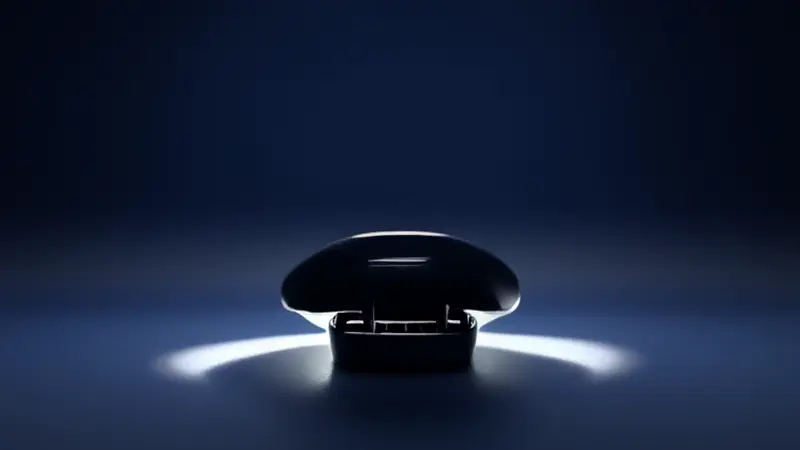
Product reveal — earbuds case opening, clean white background, smooth rotation showing details
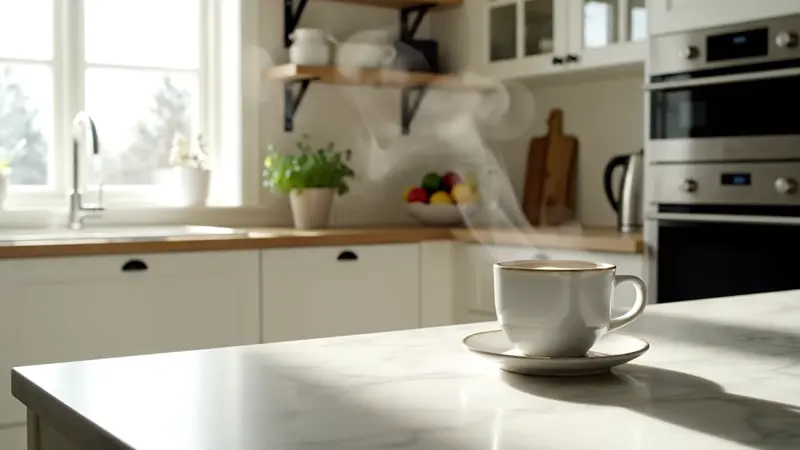
Modern Scandinavian kitchen at golden hour — for lifestyle / home article hero

Forward drift through misty forest, light shafts breaking through canopy — for nature / wellness article
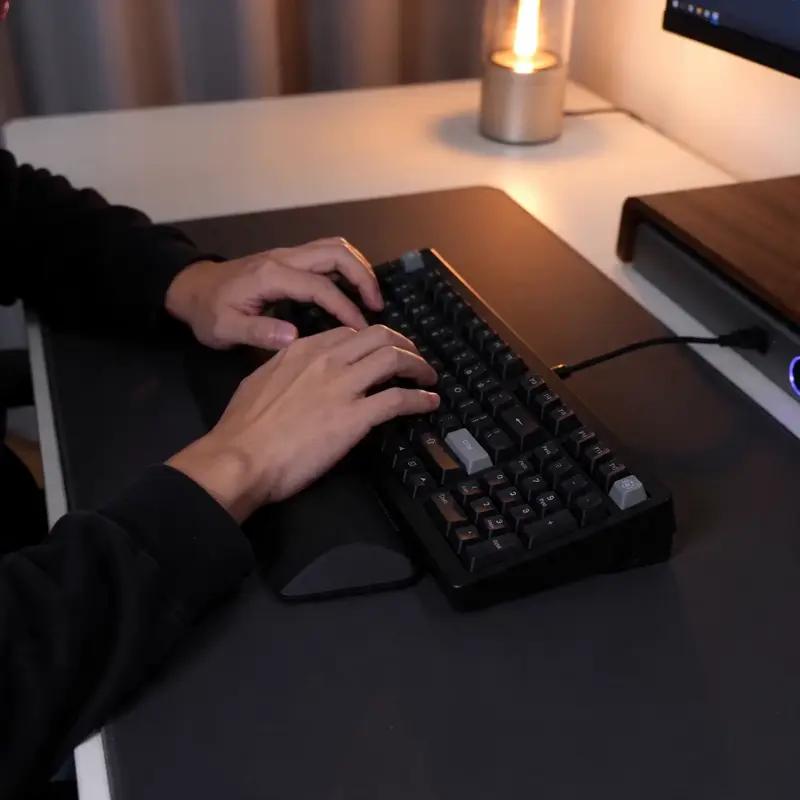
Hands typing on mechanical keyboard — for productivity / tech article B-roll

Pour-over coffee routine, soft window light — for lifestyle blog repurposing
Video Examples
See it in action
Why gVideo
Built for results
Repurpose blog → video
Articles that take a writer 4 hours can become a 60-second video in 30 minutes. Same insight, different format, 5× the social engagement.
10 models for any content type
Different articles need different visuals. Wan for abstract concepts, Kling for products, Veo for lifestyle with audio, Pika for stylized motion. The Picker recommends per article topic.
Commercial use included
All paid plans cover repurposing your blog or product content into commercial videos for ads, social, email, and YouTube. No royalty per use.
Not sure which model?
Our pick for link-to-video
Wan 2.7
30 credits per 5s (~$0.67 on Pro)Best for link-to-video work — fast, cheap, handles a wide range of content types (article visuals, product hero shots, abstract concept B-roll). Lets you generate 6-12 clips per article without burning the budget.
“I run a SaaS blog with 50 posts. Repurposed each into a 60-second video using gVideo. LinkedIn engagement went 6× because video posts get pushed harder than text. Cost: under $300 in credits across all 50.”
Common questions
Can I literally paste a URL and get a video?
The current workflow is: paste / copy the article's key concepts into the prompt field, generate clips for each concept, stitch in your editor. We're working on full URL ingestion (paste link → automatic concept extraction → automatic generation), but for now the human-in-the-loop step gives better results because you control which concepts get visualized.
What types of content repurpose best to video?
Best fit: (1) listicles (5 reasons, 7 ways) — each item becomes a clip; (2) product reviews — hero shot per product; (3) how-to guides — visualize each step; (4) opinion / thought-leadership — abstract concept B-roll; (5) news commentary — atmospheric or product visuals depending on topic. Categories that work less well: heavily quantitative content (charts and tables don't visualize well as AI video — use animated charts in your editor instead).
How long is the resulting video?
Typical repurposing: 30-90 seconds. A 5-item listicle = ~5 clips × 6s = 30s. A 'how this works in 3 steps' guide = 3 clips × 8s with title cards = 30-40s. Optimal length depends on platform: 15-30s for TikTok, 30-60s for LinkedIn, 60-90s for YouTube native.
Can the AI extract concepts from my article automatically?
Not yet on automatic concept extraction. Current workflow: read your article, jot down 5-8 visual concepts, paste each as a prompt, generate. Our team is testing AI-powered concept extraction (paste URL → automatic clip suggestions) — sign up for the beta on the homepage if interested.
What about copyright on the original article?
AI-generated visuals don't copy the original article's text or images — they're new generated content based on prompts you write inspired by the article. The output is yours to use commercially. If you're repurposing someone else's article, that's a separate question (you may need permission for the article content itself, regardless of how the video is made).
How does this compare to using stock video for blog repurposing?
Stock video: $30-100 per clip via Shutterstock / Pond5, or limited free options on Pexels. AI: $0.50-2 per clip, infinitely customizable. AI wins on (a) cost, (b) specificity (you describe exactly what you want), (c) consistency across multi-clip series. Stock wins on (a) photorealism for very specific real-world scenes (e.g., 'aerial of New York Times Square at night').
ALSO GREAT FOR