AI Faceless Video Generator
Run a niche YouTube channel without showing your face? Type one B-roll scene at a time — atmospheric, abstract, historical, product close-up — get back a 4-8s clip per click on Wan 2.7 (cheap iteration) or Kling 3.0 (premium). Stack 8-15 clips with your AI voiceover for a daily upload. For a full faceless episode auto-storyboarded across multiple shots, use Video Agent →.
Start from a proven prompt
Hover to preview. Click any example to prefill the generator.

Astronaut on Mars surface, dust kicking up — for science / space-history channel

Glowing data sphere rotating in deep space — for finance / business / data channel

Slow drift through misty forest, light shafts — for wellness / philosophy channel
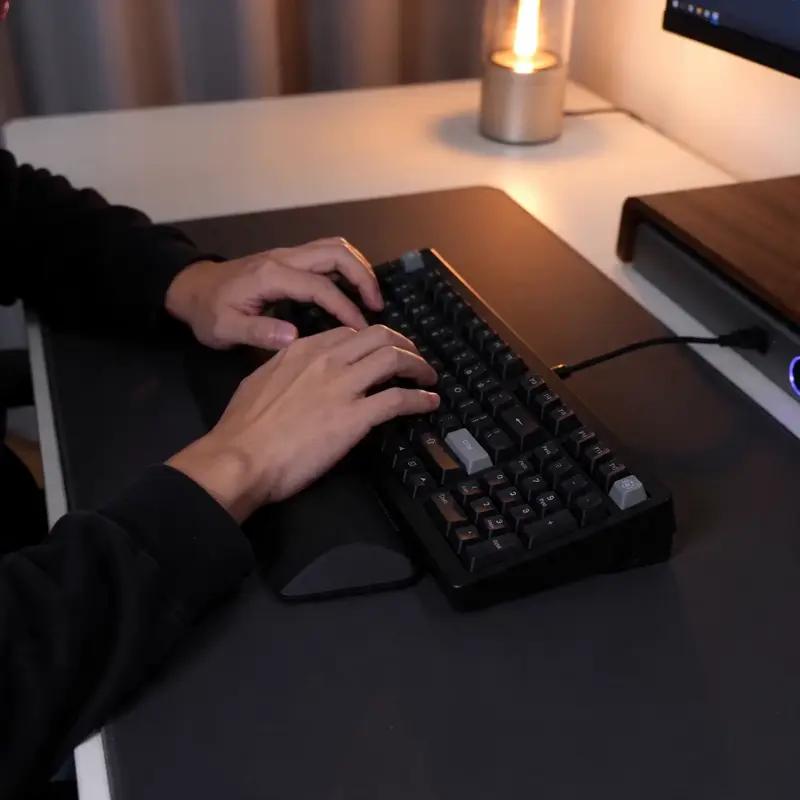
Hands typing on mechanical keyboard, glowing keys — for productivity / tech channel

Aerial push-in on misty mountain, golden hour — for travel / nature / history channel
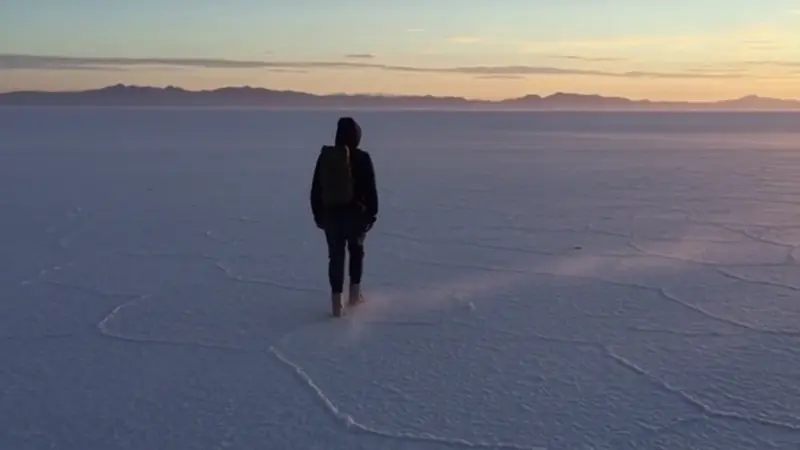
Wide aerial over salt flats with single car — for travel / geography channel
Video Examples
See it in action
Why gVideo
Built for results
Daily upload economics
Faceless channels live or die on upload frequency. AI B-roll at $0.50-1 per clip = a 10-minute video with 20 clips costs $10-20 in visuals. Ad revenue for faceless channels typically $5-30 per 1000 views — math works on day 1.
Niche-matched aesthetic
History channel? Atmospheric reenactments. Finance? Abstract data visualizations. Wellness? Nature scenes. Productivity? Hands and screens. Each model in gVideo specializes in different aesthetic territory.
No actor / model fees
Stock footage with humans = $50-200 per clip + restrictive licensing. AI generates faceless / human-included clips with full commercial license under one $29/mo subscription.
How 50K-sub faceless operators build a channel that survives demonetization
Three components that decide if a faceless channel grows or stalls — voice-over, B-roll, captions
voice-over: the single point of failure on a faceless channel
Every faceless channel that fails fails on voice first. The B-roll can be stock, the captions can be auto-generated, but if the voice is wrong nobody finishes the second scene. A creator on r/OnlineIncomeHustle (2026-01, 943↑ 84c) put it bluntly after two failed attempts: "The problem wasn't the content ideas. It was me. I hate being on camera. I stumble over words, I look uncomfortable, and editing my own face is torture." The point isn't that AI voice solves performance, it's that an unconfident host kills a channel before it gets a chance. Three rules from operators who broke 50K subs: keep the voice consistent (same TTS voice across the whole channel), match the voice to the niche (calm narration for history, faster cadence for finance), and never use the default "AI assistant" voice that everyone recognizes. Try this in the generator above: drop a 60-second script into the prompt box and pick a tone that matches your niche, then iterate on the read until it feels like a person rather than a service.
b-roll: stock burns out fast, generation does not
The second failure mode is stock fatigue. The same Pexels clip of a person typing at a laptop is now in maybe a hundred thousand finance shorts. r/YouTubeCreators (2026-05, 235↑ 165c) is full of channels that just got demonetized: "They got demonetized because they: Copy content, style, branding of other channels. Heavily use generative AI in all of their videos. Even Atom's Whisper is inauthentic content because they are regurgitating information without transforming it at all." The line YouTube is now enforcing isn't "no AI," it's "no obvious template." Generated B-roll dodges this only when it's genuinely specific to your script — a Wan 2.7 clip at 6 credits per second (so 30 credits for a 5-second insert) of the exact warehouse interior your script just described will out-retain a stock factory establishing shot every time, because the visual reinforces the spoken claim rather than gesturing at it. Use the generator above to render the three or four scenes that carry your hook, and keep stock only for transition filler nobody remembers.
captions: free lift on retention you keep forgetting to add
The third leg is captions, and it's the one most operators skip because the upload UI already offers auto-captions. Don't trust those — YouTube's auto-captions miss technical terms in roughly one of every five clips, and miscaptioned proper nouns kill the click-to-watch ratio on anything finance, gaming, or health adjacent. A faceless gaming operator on r/NewTubers (2025-06, 161↑ 244c) who broke 100 subs in six months ran the same lesson: "Some people here will scoff, but I'm happy with it so far. You're right to recognize that it can be more challenging going faceless compared to having a webcam." The win is closing the loop: punch-line caption frames (one short phrase, dropped on the beat) reliably add somewhere between fifteen and thirty percent to average view duration on shorts. Render the video here in the generator above first, then burn captions in your editor with the cadence matched to the voice-over breaks rather than dumped at the bottom as a wall of text.
Not sure which model?
Our pick for faceless clip
Wan 2.7
30 credits per 5s (~$0.67 on Pro)Best for high-volume faceless content — 30 credits / 5s lets you afford the 15-30 clips per video that faceless channels need. Versatile across history, finance, science, productivity, and abstract niches.
“I run 3 faceless channels (history, finance, productivity). Replaced all my Storyblocks subscriptions ($600/year × 3 = $1,800) with one gVideo Pro plan. The AI clips are more on-topic than stock library hits, and I publish 4× more.”
Common questions
What niches work best for faceless videos with AI B-roll?
Strongest fits: (1) history — period reenactments, atmospheric battles, ancient cities; (2) finance / business — abstract data, market visuals, trader desks; (3) science — space, microbiology concepts, technology; (4) productivity / self-improvement — hands and screens, abstract motion; (5) wellness / mindfulness — nature, meditation visuals; (6) geography / travel — landscapes and city scenes. Categories where it struggles: anything requiring specific real-world events (current news, specific real people) — use real archival footage for those.
How do I add a voiceover narration to the faceless video?
Standard faceless video workflow: (1) write a script (or use ChatGPT to draft); (2) generate voiceover via ElevenLabs / OpenAI TTS / your own voice; (3) generate B-roll clips in gVideo matching each script section; (4) sync in your editor (CapCut free, DaVinci Resolve free). Veo 3.1 can also generate ambient + voiceover natively if you want to skip the TTS step for quick experiments.
Can the AI generate the same character across multiple clips for narrative consistency?
Loosely — for faceless content, character continuity usually doesn't matter much (you're showing concepts, not a story arc with characters). When you do need consistent character, use detailed appearance descriptions in every prompt or use image-to-video starting from one master character photo.
How much B-roll do I need for a 10-minute faceless video?
Rule of thumb: 1 clip per 30-40 seconds of narration = 15-20 clips for a 10-minute video. Some clips repeat or extend with subtle motion variation, so total unique generations are typically 10-15 per video. At Wan 2.7 cost = 300-450 credits ≈ $7-10 in visuals per 10-minute upload.
Are faceless AI videos eligible for YouTube monetization?
Yes — YouTube monetization rules don't require a face on camera. Faceless channels with AI B-roll + narration are explicitly allowed under current Partner Program terms (as long as the content provides value beyond pure compilation). Many of YouTube's largest history / finance / science channels are 100% faceless. The commercial license on all gVideo paid plans covers monetized YouTube uploads.
What's a realistic monthly cost for a daily-poster faceless channel?
Daily 8-10 minute videos × 15 clips each × 30 days = 450 clips/month. At Wan 2.7 cost = 13,500 credits/month ≈ $90-100 on Studio plan. Weekly poster: 60-80 clips/month = $20-30 on Pro. Most successful faceless operators stack multiple channels and run on Studio plan.
ALSO GREAT FOR