AI Avatar Generator
Upload one portrait photo, write a script (or bring your own audio), and get a talking avatar with lip-sync, natural voice, and expressive motion. Ships with two flagship models — HeyGen V3 + Omnihuman — under one credit pool.
Avatar Studio
Generate your avatar video in Studio
Avatar generation uses HeyGen V3 (prompt → talking video) or Omnihuman (photo + audio → full-body avatar). Both need inputs bigger than an inline box can handle — open Studio’s avatar mode to upload and generate from the same credit pool you already use for Kling, Veo, Sora and the rest.
Video Examples
See it in action
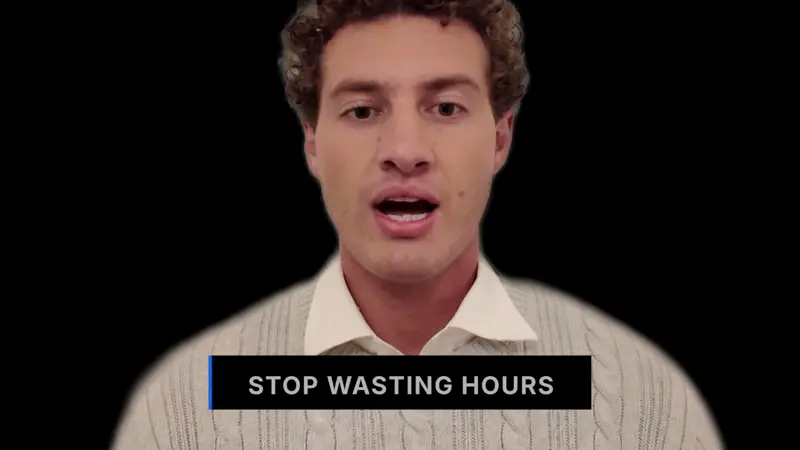
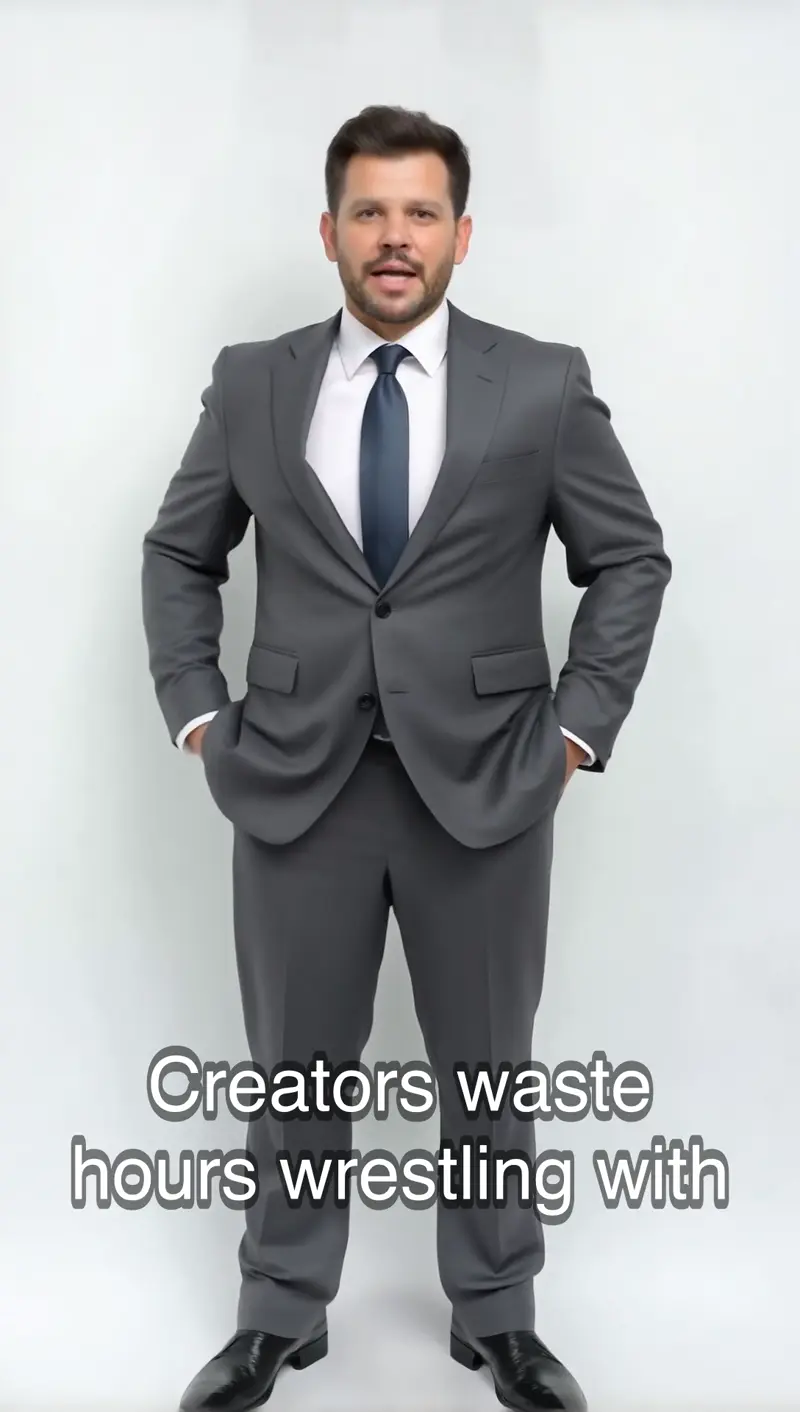
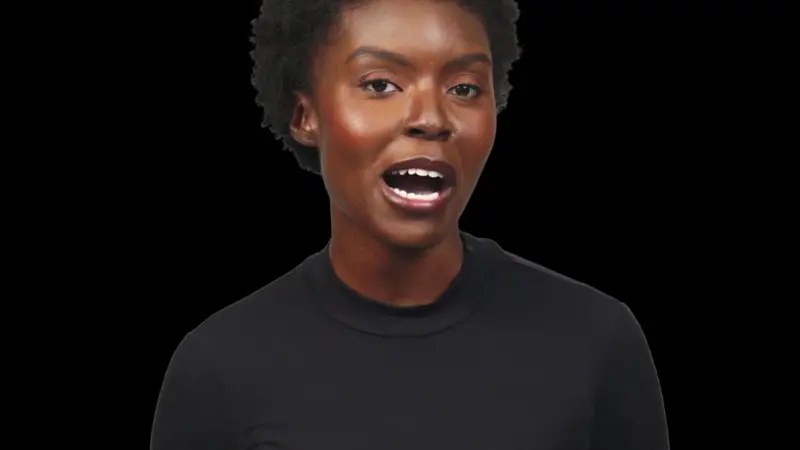
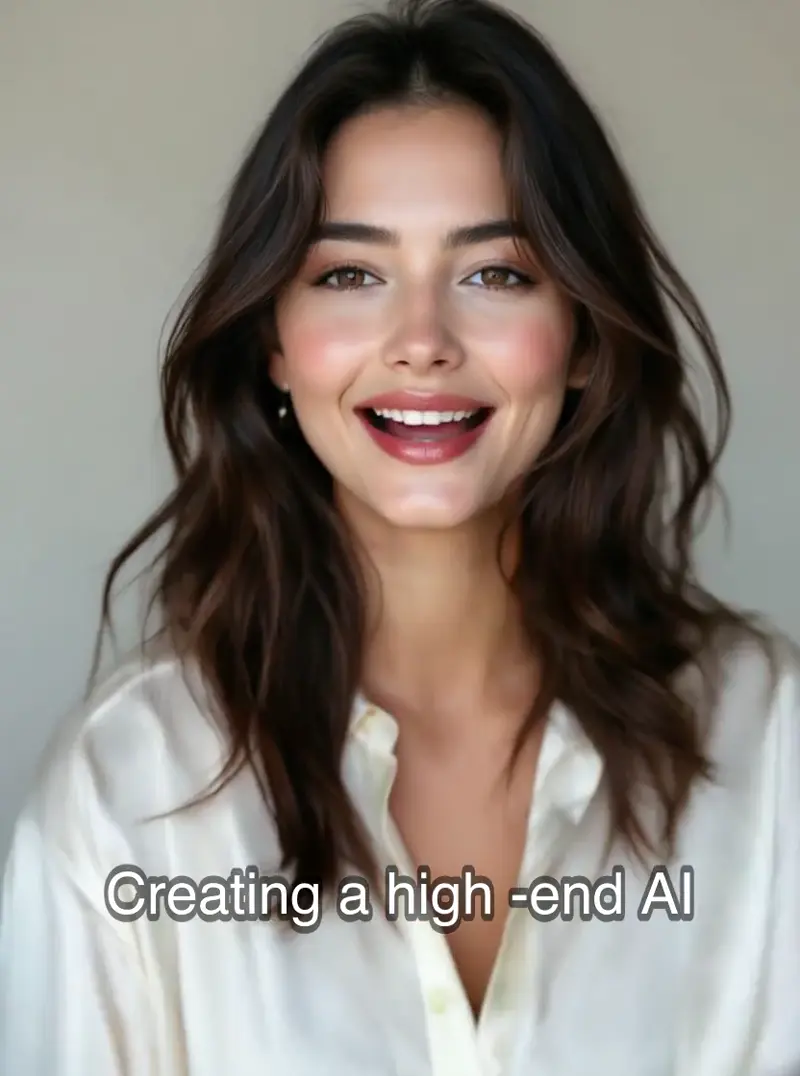
Why gVideo
Built for results
One photo, one script, done
No green screen, no teleprompter, no video booking. Upload a portrait photo, paste 1–3 sentences, get a fully lip-synced talking avatar in under a minute.
Built-in TTS or bring your own audio
HeyGen V3 synthesizes natural narration in 30+ languages. Omnihuman takes a raw audio file (your voice, a pro VO, a licensed clip) and drives whole-body motion from it.
Same credit pool as 10 video models
One subscription covers HeyGen V3, Omnihuman, Kling 3.0, Veo 3.1, Sora 2 Pro, and 5 more. Mix avatar shots with b-roll from t2v models in the same project.
Commercial rights on every paid plan
Generated avatars are yours to use in ads, product videos, tutorials, and social posts. No per-render licensing, no separate enterprise contract.
Three avatar sources, three trade-offs every team eventually meets
Stock library, custom photo, brand mascot — which path fits the next 30 seconds of avatar video
stock avatars: 1,281 pre-built faces, 3 minutes to first clip
When the deliverable is a 30-second monologue and the deadline is today, stock avatars beat custom uploads on every axis: rights, lighting, render time. A creator on r/Entrepreneur (2025-08, 1,646↑ 299c) tested the picker and said, "Some of these looks quite helpful for a project I'm working on, awesome job dude." The reaction is specifically about HeyGen V3's calibrated lighting and pre-tested lip-sync — that's what makes stock pickable for production, not the count. The HeyGen V3 library on this site exposes 1,281 avatars with filters for gender, attire, and style. Cost is 90 credits for 30 seconds of video. Workflow goes: paste a script (250 words is roughly one minute of monologue), pick the avatar that matches your brand voice, pick a matching voice, hit Generate. Average wall-clock to first usable clip is around 3 minutes.
custom photo-upload avatar: one selfie becomes your spokesperson
Custom avatars start with a single photo. The open-source side is reproducible now: a user on r/StableDiffusion (2025-09, 1,176↑ 163c) posted, "Just doing something a little different on this video. Testing Wan-Animate and heck while I'm at it I decided to test an Infinite Talk workflow to provide the narration." The top reply (14↑) linked a CivitAI workflow within 48 hours of the source post. That local stack still demands a 24GB GPU and ComfyUI fluency, though, which is why the hosted Omnihuman v1.5 path on this site exists. Upload one front-facing photo through the avatar picker (your face needs no consent step). Paste a script or upload an audio file. The model handles the lip-sync. Cost is 30 credits per 5-second HD clip. Output quality is most sensitive to input photo quality: even lighting, neutral expression, eyes pointed at the camera.
brand mascot: one face across six months of campaign content
The brand-consistency requirement usually surfaces after the third ad ships with the third stock avatar. The internal social manager flags it as "inconsistent brand person" and the avatar choice retroactively becomes part of the brief. A pattern-tracking comment on r/Entrepreneur (2025-05, 165↑ 68c) caught the larger version of the same problem: "The ones that keep winning have a feedback loop outside their own walls. They listen to communities, publish answer-style content, and let AI remix rather than decide." Brand mascot avatars solve the consistency half. Pick one custom face (uploaded from a brand-model headshot with cleared rights, or generated as a stylized character), then run every script for the next six months through that same face. Pair it with a small library of approved voiceovers, expression presets, and B-roll cuts. Mechanics on this site: one Omnihuman photo upload at 35 credits per 5-second clip. Save the photo URL in the project metadata, reuse it across as many scripts as needed. Test a recurring spokesperson concept in the picker above before committing to a series.
Model Recommendation
Best model for this use case
HeyGen V3 is the right starting point for most avatar work — photo + script renders a broadcast-quality talking presenter at ~$2 per 30-second clip. Omnihuman is the upgrade pick when you need full-body motion synced to an audio track.
“Cut my explainer-video production time from 3 days to an afternoon. Script → photo → avatar render, straight into the edit.”
Common questions
When does the Avatar Studio launch?
The two avatar models (HeyGen V3, Omnihuman) are integrated in our model catalog with validated pricing. What's pending is the Studio UI — photo upload + script/audio input flow. Pro-plan subscribers get early access the day it ships. Sign up now to be first in line.
What's the difference between HeyGen V3 and Omnihuman?
HeyGen V3 = photo + built-in TTS → head-and-shoulders talking avatar (~$2 per 30s). Omnihuman = photo + your own audio → full-body avatar with torso and gesture motion (~$8 per 30s). Use HeyGen for explainer-style content; use Omnihuman when body language matters.
What kind of photo do I need?
A front-facing or 3/4-facing portrait, well lit, 512px+ on the short edge. Higher resolution (1024px+) produces sharper output. One person per photo — crowds or group shots won't work on V3.
Can I use my own voice for the avatar?
Yes — both models support bring-your-own-audio. Record a voice memo, upload a pro VO file, or use any licensed audio (MP3, WAV, AAC, OGG, M4A). If you'd rather skip the recording step, HeyGen V3's built-in TTS covers 30+ languages.
Is the avatar output commercial-safe?
Yes on all paid plans. gVideo passes through HeyGen's and ByteDance Omnihuman's commercial license terms. Generated avatars can be used in paid ads, client deliverables, and product marketing. Free-tier generations are for personal use.
How much does an avatar render cost?
On the Pro plan ($39.99/mo, 1,800 credits): HeyGen V3 is ~90 credits per 30-second clip (about $2.00), Omnihuman is ~360 credits per 30s (about $8.00). Prices drop at higher tiers; Premium ($79.99, 4,000 credits) brings per-credit cost down another ~10%.
ALSO GREAT FOR