Add Text to Video Online
Type your idea, get a finished video — entirely online, no software install. gVideo turns text prompts into 5-10 second clips using 10 different AI video models. Pick the right one for your scene; we handle the rest.
Start from a proven prompt
Hover to preview. Click any example to prefill the generator.

Glowing blue particle data sphere rotating in deep black void, subtle pulse on the surface

Close-up of a woman looking off-camera in a dimly lit cafe, slow push-in, cinematic 35mm
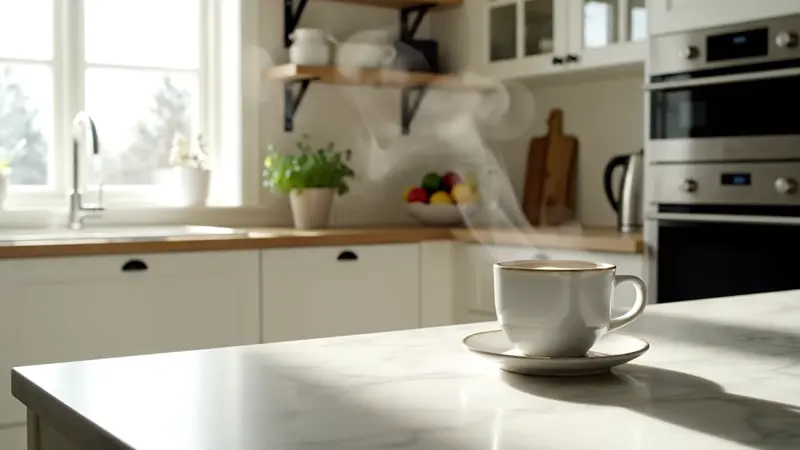
Modern Scandinavian kitchen at golden hour, soft natural light, ambient kitchen sounds
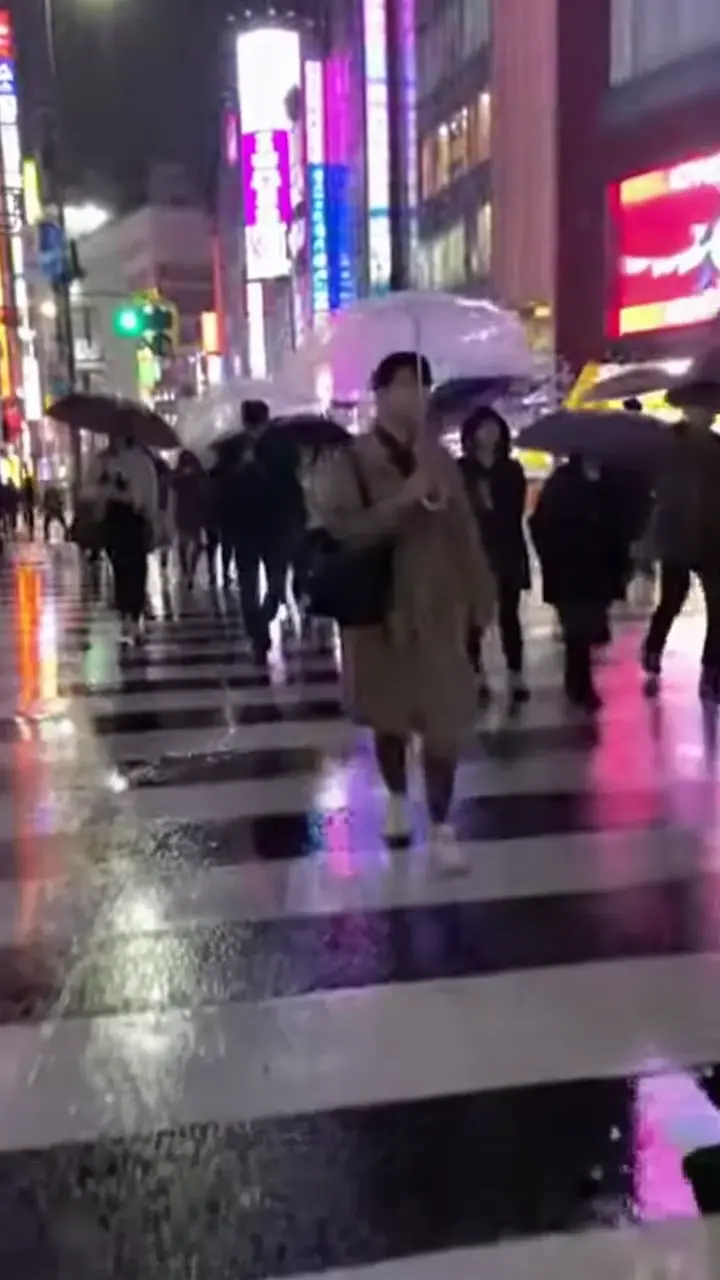
Rainy Tokyo street at night, neon reflections in puddles, lone figure with umbrella
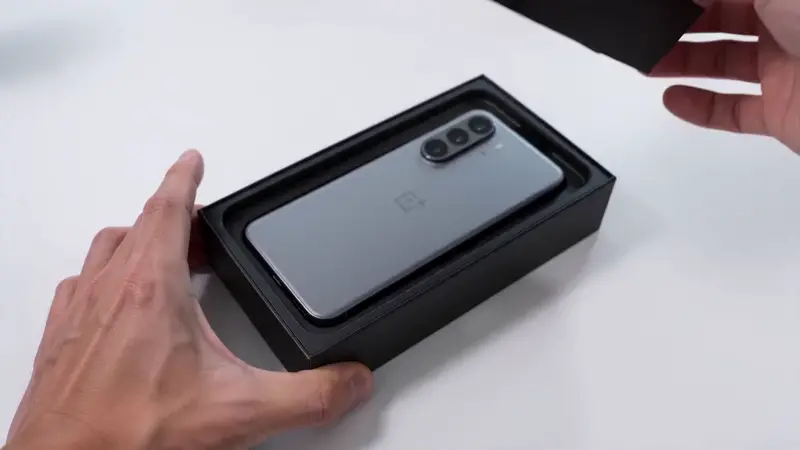
Hands unboxing a sleek tech product, soft studio light, clean white background
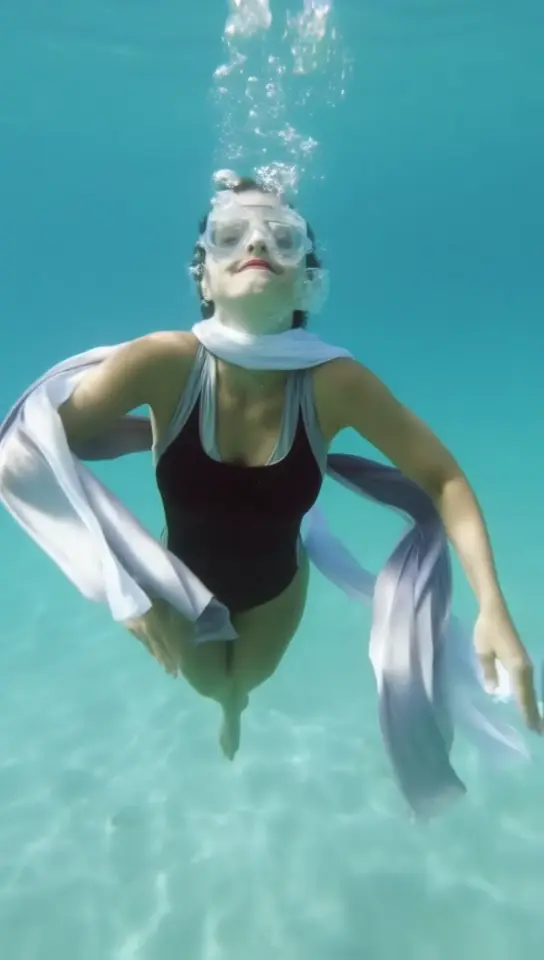
Underwater portrait, hair drifting in slow motion, sunlight piercing surface above
Video Examples
See it in action
Why gVideo
Built for results
100% online, no install
Runs in the browser. No app to download, no API to wire up, no GPU rental. Type, click, get a video. Works on Mac, PC, iPad, even phone for basic generations.
10 text-to-video models
Same prompt, different engines: Wan for cheap volume, Kling for cinematic, Sora 2 Pro for HD hero shots, Veo 3.1 for audio, Hailuo for people. Smart Picker recommends per prompt.
Auto-refund on failure
If generation fails, credits return within seconds. No support ticket, no waiting. You only pay for clips you can actually use.
How short-form creators actually use captions on video
Three caption purposes — hook in the first 1.2s, beat-sync on the cuts, accessibility .srt for reach
the hook caption: the first 1.2 seconds that decides if anyone watches
Caption-on-video debates usually fight about font size and animation. The real fight is about hook timing. An editor on r/NewTubers (2025-12, 12↑ 89c) broke down what kills CTR on Shorts: "No clear hook in the first 2 seconds of Shorts. Captions that are hard to read on mobile. Random font choices. Fixing just these moves retention noticeably." The hook caption isn't a transcript line — it's a thumb-stopper. One short phrase, dropped on the first key frame, 6-10 words max, weight 700 minimum so it survives on a 4-inch phone screen at 50% brightness in daylight. Generate the video here in the generator above first (any model — Pika 2.2 Standard at 4 credits per second is the cheapest test bed), then add the hook caption in your editor with a 0.6-1.0s reveal animation, centered, with at least 4px of stroke or 70% opacity dark background behind the text. Skip animated word-by-word kinetic typography for the hook — it adds reading load right when the viewer is deciding to swipe.
beat-sync captions: where the cuts land matters more than the words
The second purpose of captions is rhythm — synchronizing word reveals to the beat of the voice-over or music. r/NewTubers (2026-03, 49↑ 23c) had a video essayist make the case directly: "I make video essays & something that I think has genuinely helped my reach and engagement is adding captions." The high-engagement reply (12↑) caught the trap: "As someone who struggles with ADHD I implore anyone reading this not to do burnt-in subtitles. I can't focus on anything else in the video and have to read them and notice I miss the whole video after it's done." Translation: beat-sync only works if the captions appear and disappear with the speech, not as a wall of always-on text. Generate your scene above with a model that handles motion smoothly — Kling 3.0 at 8 credits per second works well for talking-head pacing — then in CapCut or DaVinci Resolve Free, snap each caption block to the spoken phrase boundary, not the sentence. The CapCut community has been vocal (r/CapCut, 2026-03, 62↑ 60c) about the recent paywall on auto-captions: "Atp asides from trimming videos and adding texts they want money for everything else." Worth knowing: Audacity + the free OpenVINO Whisper plugin produces .srt files you can import into any editor, fully offline, no subscription.
a11y captions: the optional .srt that doubles your shareable surface
The third purpose is accessibility — captions that hearing-impaired viewers, ESL viewers, and muted-feed scrollers actually use. These should be OPTIONAL (uploaded as .srt to YouTube/Vimeo), not burned in. r/NewTubers (2026-03, 49↑ 23c) operator's tactic: "yeah srt upload to youtube is the way to go imo. i generate mine with an online software since its free and the timing is usually pretty accurate out of the box. saves me from having to manually sync everything which was always the most annoying part." The math on a11y captions surprises new operators: roughly 15% of US viewers turn on captions by default, another 25% scroll feeds with sound muted, and search engines index .srt content for video SEO. So a 5-minute essay video that you bothered to caption properly has roughly 40% more discoverable surface than an uncaptioned version. Generate your video above with the model that fits the use case (Wan 2.7 at 6 credits per second for talking-head, Veo 3.1 at 11 cr/s when you need native audio synced), then export the .srt and upload it as a separate stream — YouTube renders it as native CC.
Not sure which model?
Our pick for text-to-video
Wan 2.7
30 credits per 5s (~$0.67 on Pro)Best general-purpose text-to-video for online use — handles 80% of prompts well, fast generation (60-90s), and the lowest cost per clip. Safe default for most users.
“I bookmarked gVideo on every device. When I have a creative spark mid-meeting, I type it in, get a clip back before the meeting ends, and I'm building from it that evening.”
Common questions
Is gVideo a fully online text-to-video tool?
Yes. The entire workflow — typing the prompt, picking a model, generating, downloading — runs in your browser. No software install, no API setup. The actual GPU compute happens on our cloud infrastructure.
How long does generation take?
Wan 2.7: 60-90 seconds. Kling 3.0: 90-120 seconds. Veo 3.1: 2-4 minutes (audio adds time). Sora 2 Pro: 3-6 minutes. The page shows live queue position so you know what to expect. You can keep the tab in the background and switch tasks.
What's the longest video I can generate from text?
Each generation is 4-10 seconds depending on the model. Hailuo 2.3 supports up to 6 seconds in a single generation; some models support 10 seconds. For longer videos, generate multiple clips and stitch in any free editor (CapCut, iMovie). Most published videos are 30-60s built from 6-12 short AI clips.
How specific should my prompt be?
More specific = better results. 'A misty mountain at sunrise' is OK; 'Slow aerial push-in over a misty mountain peak at golden hour, cinematic 35mm, with subtle parallax depth' is much better. Describe subject, action, lighting, camera move, mood, and any desired audio. The Smart Picker shows model-specific prompt tips when you start typing.
Can I generate from a phone?
Yes. The browser-based interface works on iOS Safari and Android Chrome. Most users start a generation on phone, then download on desktop for editing. Phones are great for ideation, less great for the editing step that follows.
What's a realistic monthly cost?
Starter ($9.99) covers ~25-50 clips/month. Pro ($29) covers 100+ clips for typical creators. Studio ($99) is for teams or high-volume ad shops doing 300+ clips/month. Most users start on Starter and move up once they find their cadence.
ALSO GREAT FOR