AI YouTube Intro Maker
Stop using cliché Adobe Express animated intros. Generate a 5-10 second cinematic channel intro that matches your niche — gaming, tech, lifestyle, food, education — in minutes. AI handles the visual; you brand it in any free editor.
Start from a proven prompt
Hover to preview. Click any example to prefill the generator.
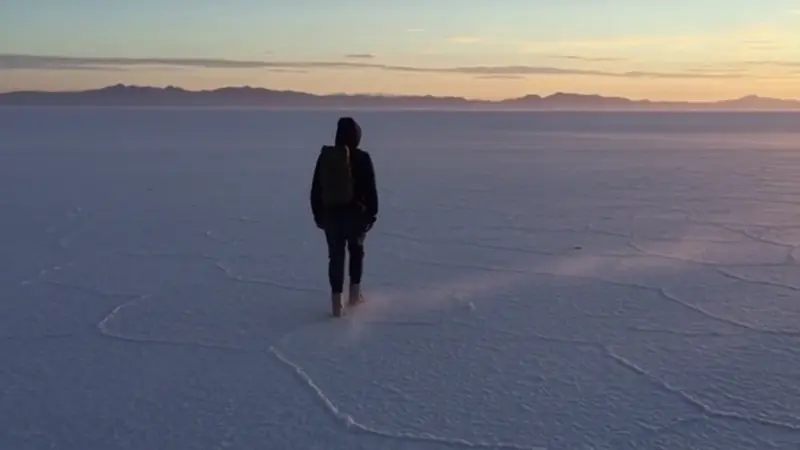
Wide aerial shot over salt flats with single car driving through, dramatic late-day shadows — for travel / lifestyle channel

Glowing data sphere rotating in deep space — for tech / coding channel intro
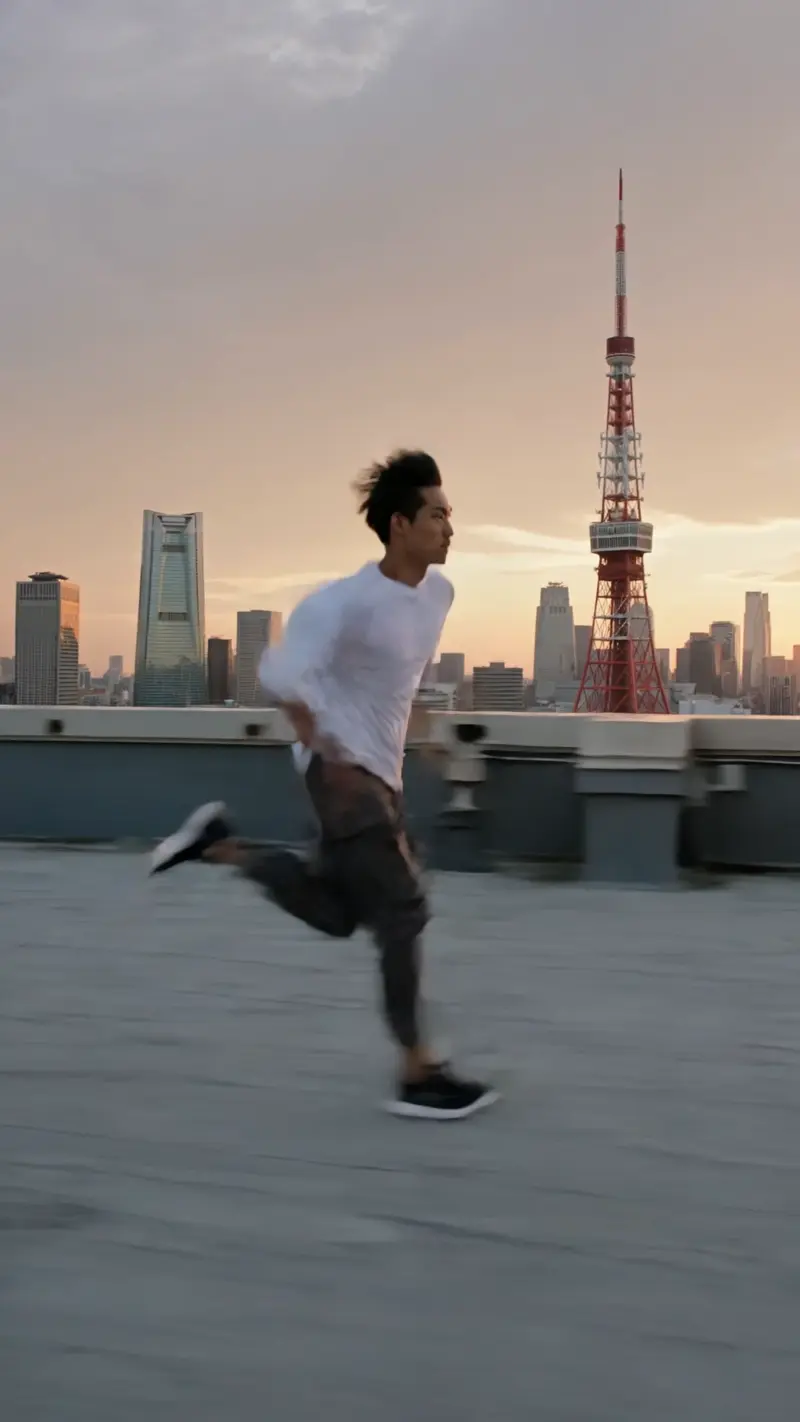
Parkour runner leaping across rooftops in neon Tokyo — for action / gaming / sports channel

Macro spoon cracking creme brulee top, ASMR audio cue — for cooking / food channel
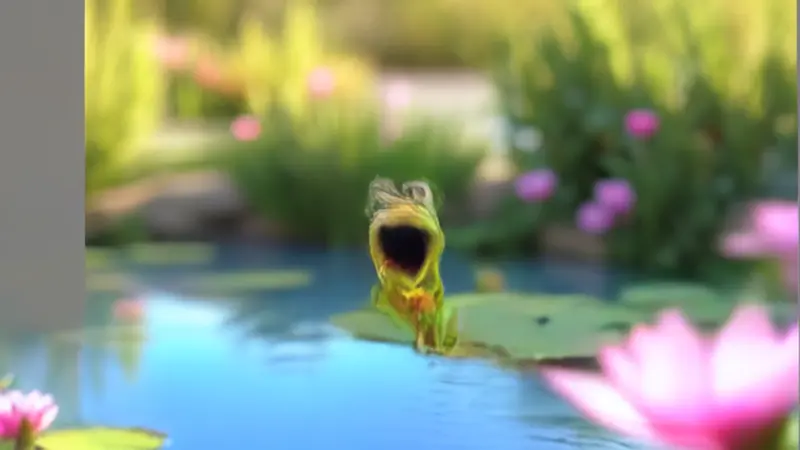
Cartoon character with exaggerated wave / greeting motion — for kids / casual channel
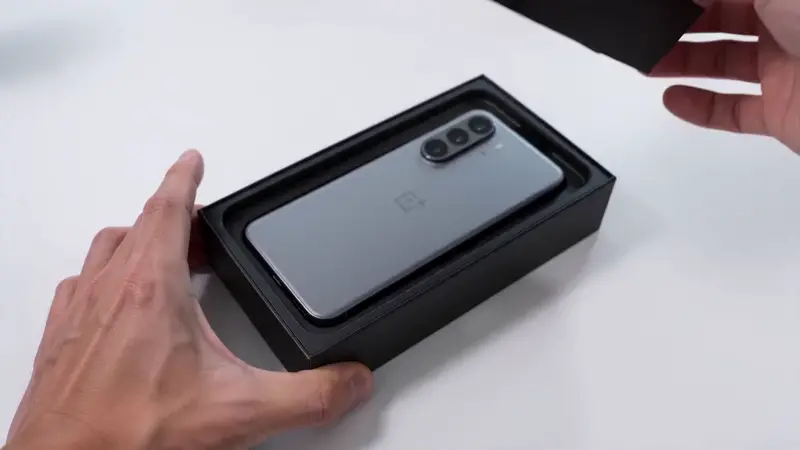
Hands unboxing a tech product, clean studio light — for tech review channel intro
Video Examples
See it in action
Why gVideo
Built for results
Looks like a $500 intro
Skip the $200 Fiverr animator + $100 stock music intro template. Generate a unique cinematic intro that matches your channel niche — looks bespoke, costs $1.
Match your niche
Tech channel? Glowing data spheres. Cooking channel? Macro food shots with steam. Gaming? Cinematic action. The 10 models cover every niche — pick the model that matches your aesthetic.
Re-generate anytime
Your channel evolves. Re-generate the intro any time you rebrand or pivot. No expensive re-animation, no contractor delay — type new prompt, ship new intro in 10 minutes.
How working YouTubers build channel intros in 2026
Three intro length tiers — 3s bumper / 5s brand / 10s narrative — with the model and cost profile for each
3-second intro: the algo-friendly bumper most channels should be running
A new YouTuber on r/NewTubers documented their first 90 days and reached one specific conclusion about intros: shorter is better, period (r/NewTubers, 2026-04, 44↑ 19c). The thread's 19 comments converged on a YouTube reality hard for old-school channels to accept: a 3-second intro is the new default. Why? Shorts viewers train the algorithm with swipe-through retention curves; they expect content to start NOW, not after a 10-second branded intro. The 3-second tier is where you put your logo, your channel name, and one cinematic visual that hints at the niche. Wan 2.7 at 35 credits for a 5-second clip ($0.78 on Pro) is the cheapest tier — you only use the first 3 seconds — and it works for static-friendly intros (logo reveal, channel-name flythrough, stylized environment shot). Pika 2.2 Standard at 20 credits is even cheaper if you want a stylized animation feel. For a channel producing 3-5 videos per week, you generate 1 master intro (60-100 credits, $1.33-2.22) and reuse it forever. Try this in the generator above with a prompt like "Minimal logo animation, neon blue light burst, 3-second loop." That's the intro most channels should be using in 2026.
5-second intro: for channels with distinct brand identity to establish
A r/NewTubers thread "A list for those that want to improve YouTube videos by 1 percent each video" (2026-05, 197↑ 79c) had a sub-discussion about intros: the consensus was that 5 seconds is the upper bound for channels with something to brand-distinguish — history channels with specific aesthetics, MKBHD-style tech reviews with consistent setup. Below 3 seconds you don't have time to establish; above 5 seconds you're losing retention. The 5-second tier is where Kling 3.0 at 40 credits per 5-second clip ($0.89 on Pro) becomes the right pick — sharper detail and motion quality earn the extra 2 seconds. Veo 3.1 at 42 credits per 4-second clip is the alternate when you want native intro audio (a quick sound-design phrase baked in). Generate 3-5 variants in different visual styles, A/B them across your next 5 videos by tracking the 0-5s retention curve in YouTube Studio analytics. Cost per variant: ~$0.89-1; cost to find the keeper across 5 variants: $4-5 plus your time. Try this in the generator with the cinematic-establisher prompt sample to see Kling's intro-quality output.
10-second intro: only justified for character/lore-heavy channels
A r/youtubers question "I want to start an education channel. I just don't know where to start... do I need like an intro video, or do I just get started?" (2025-06, 3↑ 19c) — the answer in the 19 comments was almost universally: skip the 10-second intro. The exception is character/lore-heavy channels: animation channels with recurring mascots, gaming channels with established lore intros, true-crime channels where the visual setup signals "this is gonna be 20 minutes of investigation." For these niches a 10-second intro is investment in repeated brand recall. Sora 2 Pro at 120 credits for a 4-second HD hero, stitched with Kling 3.0 5-second body clip (40 cr) and Veo 3.1 audio-bookend (44 cr) lands at ~210 credits ($4.67 on Pro) for one production-quality 10-12 second intro. That's the once-and-forever investment — generate it, lock it, paste into every video. Don't do this for talking-head educational content (where viewers cared about the takeaway, not your brand) — but for stylized niches it earns the runtime. Try this in the generator with three prompts in the same visual world to see how Sora 2 Pro handles continuity across cuts.
Not sure which model?
Our pick for intro
Kling 3.0
40 credits per 5s (~$0.89 on Pro)Best for intro work — cinematic camera moves, strong subject preservation, supports both stylized and realistic looks. Generates the kind of 'I made this in After Effects' shots without After Effects.
“Bought a $200 animated intro from a guy on Fiverr 2 years ago. Replaced it with a custom-generated one from gVideo for $1.20 in credits. The new intro fits my channel pivot perfectly — the old one looked dated.”
Common questions
How long should a YouTube intro be?
5-10 seconds is the sweet spot. Longer than 10s = audience drops off before your content starts (analytics show this clearly in YouTube Studio). Most successful intros are 6-8 seconds with a strong visual hook + channel name + tagline.
Should I add my channel name on top of the AI clip?
Yes. Generate the visual in gVideo, then add your channel name + logo + any taglines in any free editor (CapCut, DaVinci Resolve free, Canva). Most creators do this in 5 minutes per intro. Don't try to bake the channel name into the AI generation — text in AI video is unreliable.
What aspect ratio should I generate at?
16:9 (1920×1080 native) for standard YouTube videos. If you also use the intro on Shorts, generate a separate 9:16 version — don't crop the 16:9 (you lose half the resolution and the framing breaks).
Can the AI match my channel's color scheme?
Describe it in the prompt: 'on a deep navy background with electric blue accents,' 'warm orange-and-cream palette,' 'high-contrast black-and-white.' For exact brand color matching, generate the AI clip first then color-grade in your editor (CapCut LUTs, DaVinci color page).
Can I include my face / a real person in the intro?
Two paths: (1) Generate a generic 'creator-type' character vignette (e.g., 'a young woman at a desk with monitors behind, looking at camera and smiling'). (2) Use the AI Talking Avatar use case to upload your photo and animate it — your actual face, talking your intro line. Most face-on-camera channels prefer (2).
What's a realistic cost for a YouTube intro?
Single intro generation: 30-120 credits = $0.50-3. Iterating 4-5 variations to find the best: 200-400 credits = $4-9. Most creators land on the Starter plan ($9.99) to have credits for re-generation when they rebrand.
ALSO GREAT FOR