Text-to-Video·Kling 3.0
Kling 3.0 for Text-to-Video
Best-in-class character motion for dialog, reactions, and narrative shots
Cinematic quality with advanced motion control. Starting at 60 credits per 5-second video. Runs under the same gVideo subscription as every other model.
Why Kling 3.0 for this
What Kling 3.0 brings to text-to-video
Character coherence across full clip
Kling 3.0's motion model is notably consistent on hands, faces, and body pose over the full 5–10s generation. For text-to-video shots with a person as the subject, this matters more than raw resolution.
Cinematic camera language
Prompts containing camera verbs (dolly in, rack focus, whip pan, crane) are respected more literally than on most competing models. Great for storyboard-style text prompts.
Optional native audio at +20%
Turning on audio costs 20% more credits (48 cr / 5s instead of 40). Useful for dialog scenes and ambient soundscapes directly from the text prompt — no external TTS / foley step.
Cheaper than flagship tier
40 credits / 5s vs Sora 2 Pro HD at 150. For iterating on a prompt, you can afford 3–4× more takes before committing credits to the final render.
Prompts that work with Kling 3.0
Curated for this use case. Click any to prefill the generator with the exact prompt and model.

Close-up of a woman looking off-camera in a dimly lit cafe, slow push-in, cinematic 35mm, shallow depth of field, warm tungsten light
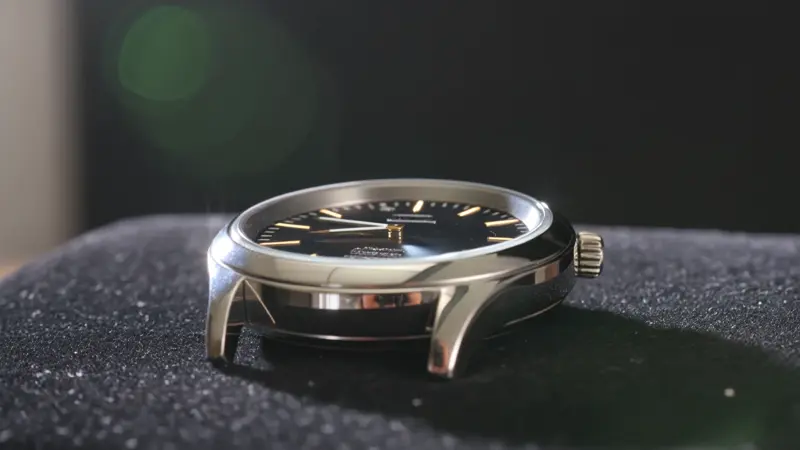
A luxury watch rotating on a black velvet surface, macro lens, soft key light from the left, dust particles catching the rim light
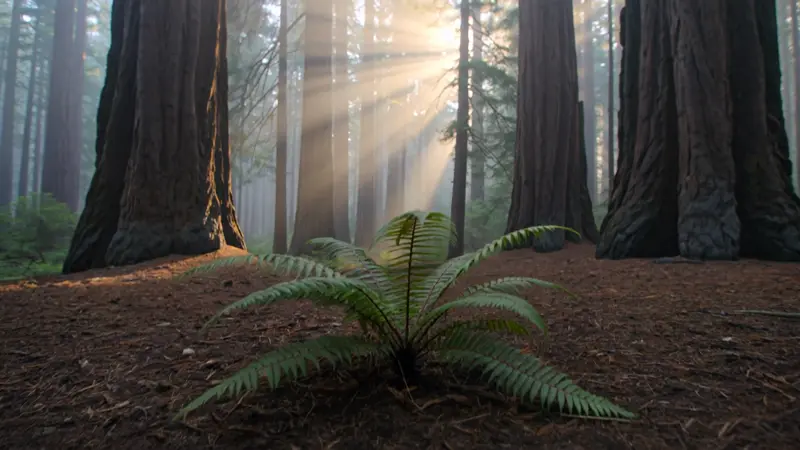
Slow crane up from a fern on a forest floor, revealing a mist-filled redwood grove at dawn, golden god-rays

Slow dolly shot moving past a sleek laptop on a marble desk, the screen glows with a clean dashboard UI, soft window light, single steaming espresso cup beside it
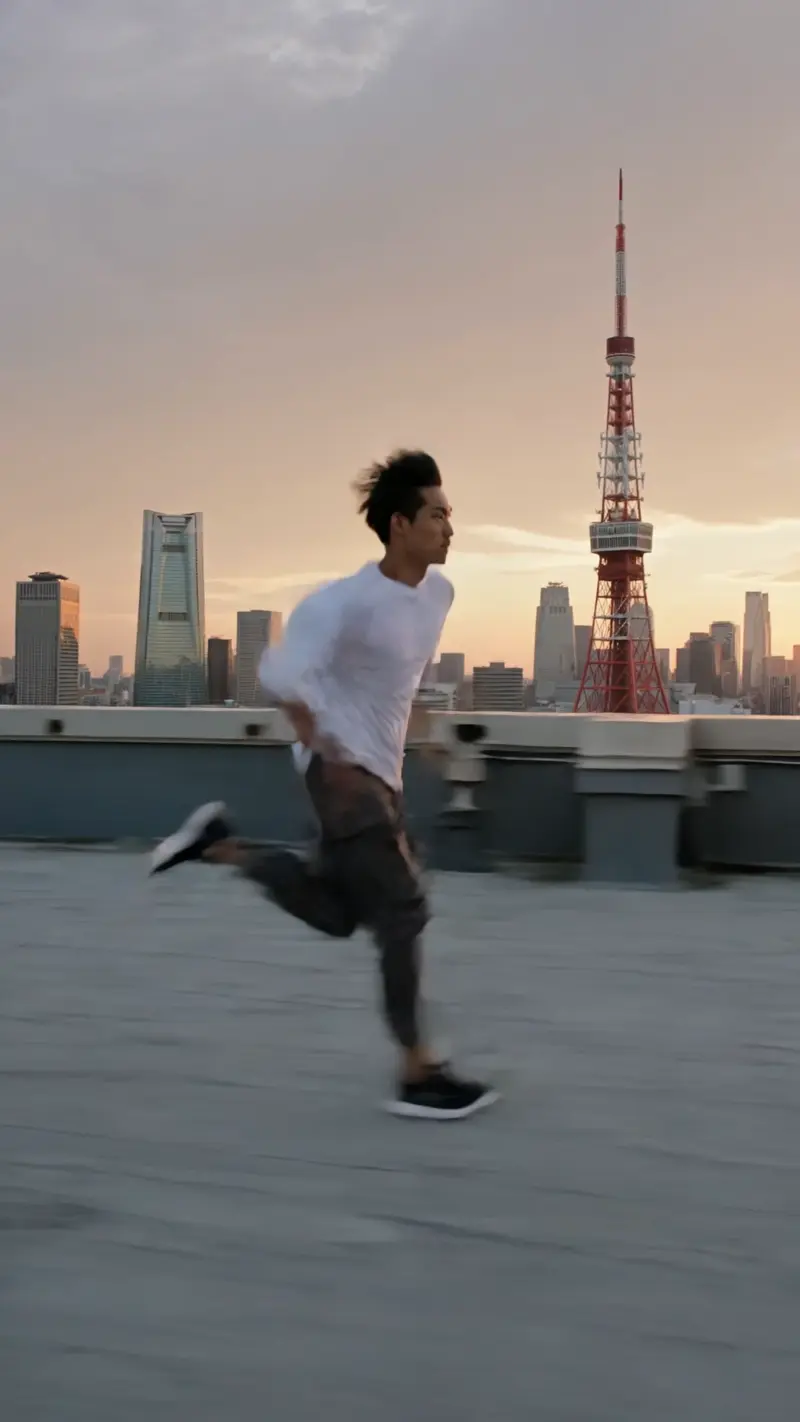
A parkour runner sprinting along a rooftop at sunset, camera tracking alongside, motion blur on background, Tokyo skyline, vertical 9:16 social-first framing
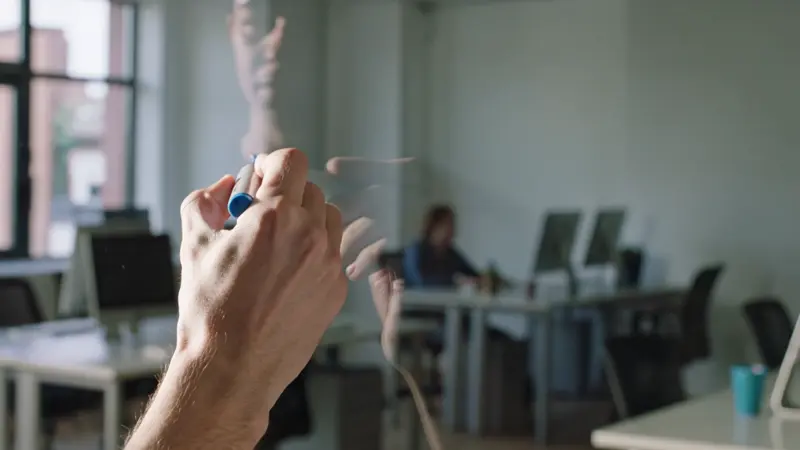
Mid-shot of an instructor's hand drawing a clear arrow on a glass whiteboard, ink trail glowing electric blue, side lighting, modern coworking studio
Not Kling 3.0?
Quick comparison
gVideo covers every major model. Here’s how Kling 3.0 stacks up against the main alternatives for text-to-video.
| Model | Credits / 5s | Audio | Max duration |
|---|---|---|---|
| Kling 3.0This page | 60 | Optional | 15s |
| Wan 2.7 | 35 | Built-in | 15s |
| Sora 2 Pro | 180 | Built-in | 20s |
| Veo 3.1 Fast | 55 | Optional | 8s |
Kling 3.0 + Text-to-Video — FAQ
Is Kling 3.0 the best model for text-to-video on gVideo?
It's the best balance of motion coherence, cinematic camera language, and cost. Sora 2 Pro HD beats it on raw resolution but at 4× the credit cost; Wan 2.7 is cheaper (30 credits) but trades motion quality. For most text-to-video work, Kling 3.0 is the default pick.
Does Kling 3.0 understand camera direction like 'dolly in' or 'rack focus'?
Yes — Kling 3.0 is trained on film-grammar prompts and tends to respect camera verbs more literally than other models. Writing 'slow dolly in on subject' or 'rack focus from foreground leaves to background figure' typically produces the intended shot.
What's the max duration for Kling 3.0 text-to-video?
10 seconds per generation. For longer scenes, generate multiple 10s clips with matching prompt style and stitch them in your NLE.
How much does a 5-second Kling 3.0 text-to-video cost?
40 credits with audio off, 48 credits with audio on. At the Pro-plan rate (~$0.022/credit) that's roughly $0.88 or $1.06 per video.
Do I need a separate subscription for Kling 3.0?
No. Every gVideo subscription includes all models under a single credit pool. Switch between Kling, Sora, Veo, Wan, etc. on any generation with no plan change.
Ready to try Kling 3.0?
Plans from $9.99/mo — cancel anytime.